31
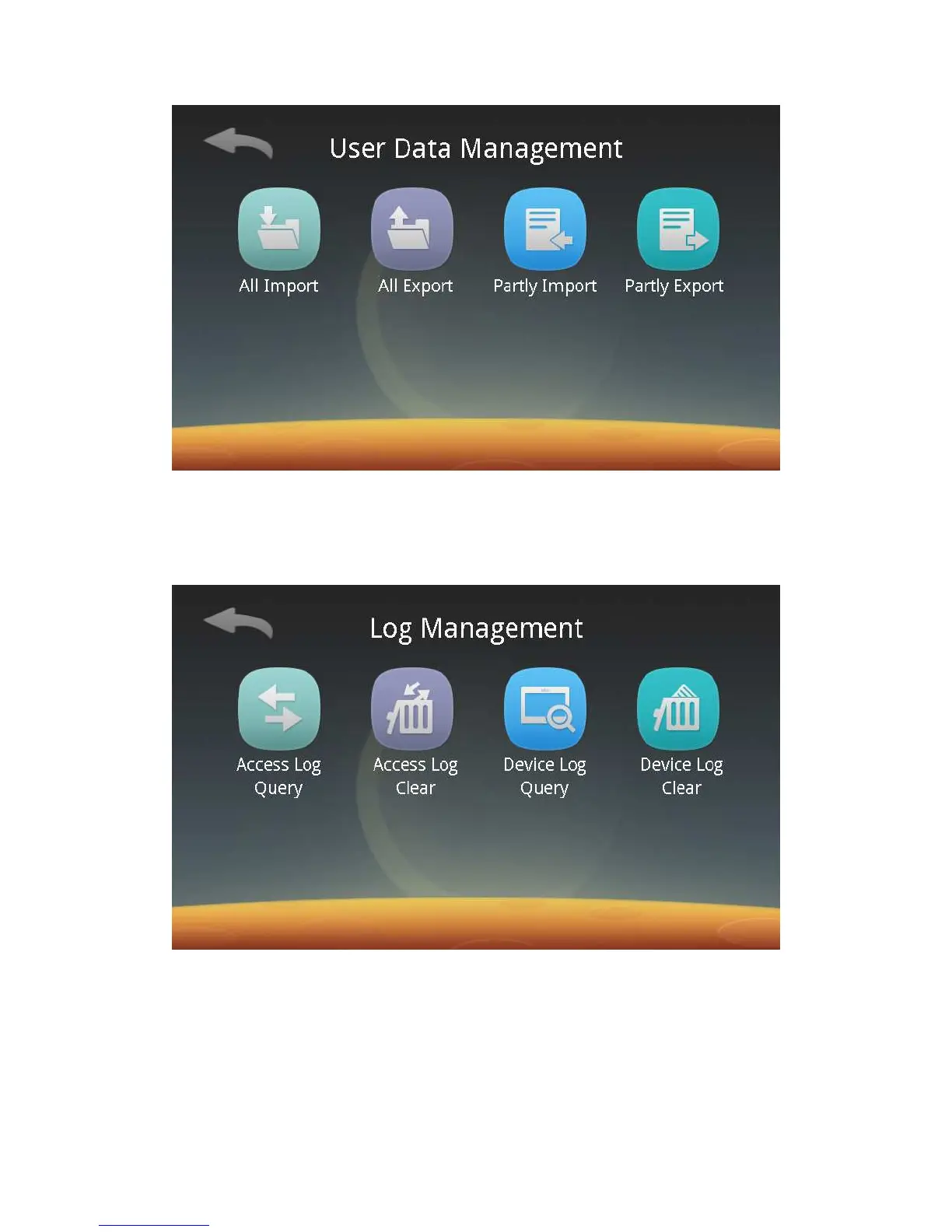
Follow screen prompts to insert a U disk, and then you can export all or part of
users of the device to the U disk or import all or part of users from a U disk.
2) Records Management:
Click the Log button to enter the following screen, and then you can browse
and clear access records as well as the device’s records.
ⅰ. Browse access records and the device’s records:
Click “Access Log Query” and “Device Log Query” respectively to enter the
following screen, and then you can browse access records and the device’s records
respectively or export access records and the device’s records respectively to a U
disk.



 To Next Page