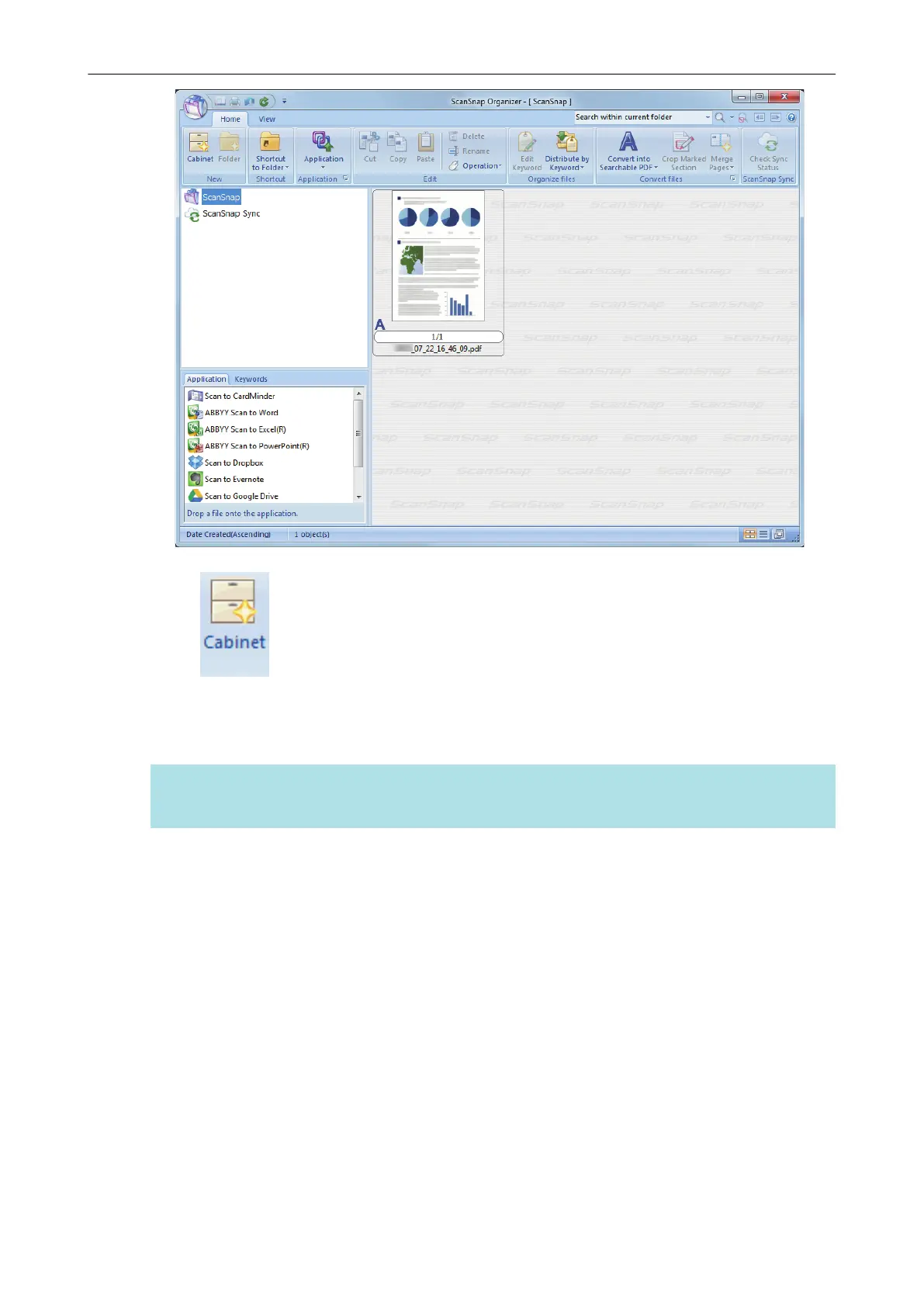
3. Click on the [Home] tab.
a A new cabinet is created in the folder list.
4. Rename the created cabinet.
HINT
To create multiple cabinets, repeat steps 3 to 4.
5. Select the scanned image from the file list, and drag and drop it to the
cabinet.
Managing Paper Documents by Folder on a Computer
73



 To Next Page
 Loading...











