Installing in Windows
40
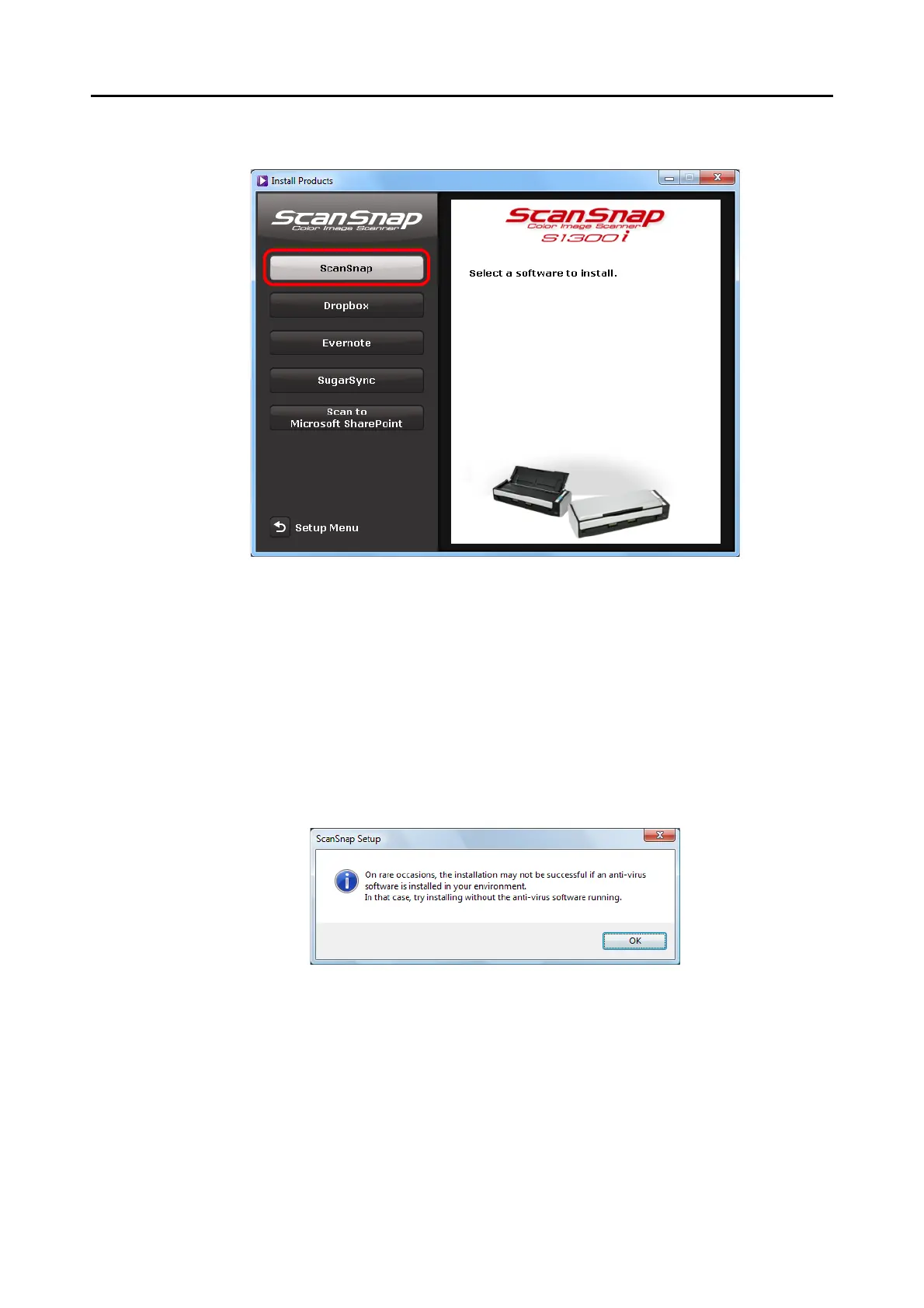
4. Click the [ScanSnap] button.
Example: [Install Products] dialog box for S1300i
D The [ScanSnap] dialog box appears, displaying the [Welcome to the InstallShield
Wizard for ScanSnap] screen.
5. Click the [Next] button.
D The [ScanSnap Setup] dialog box appears.
6. Read the message about anti-virus software, and click the [OK] button.
D The [Select Features] screen appears.



 To Next Page
 Loading...













