Downloaded from Projector.com
SCENICVIEW XP70
30 - English A26361-K954-Z100-1-5E19, edition 5
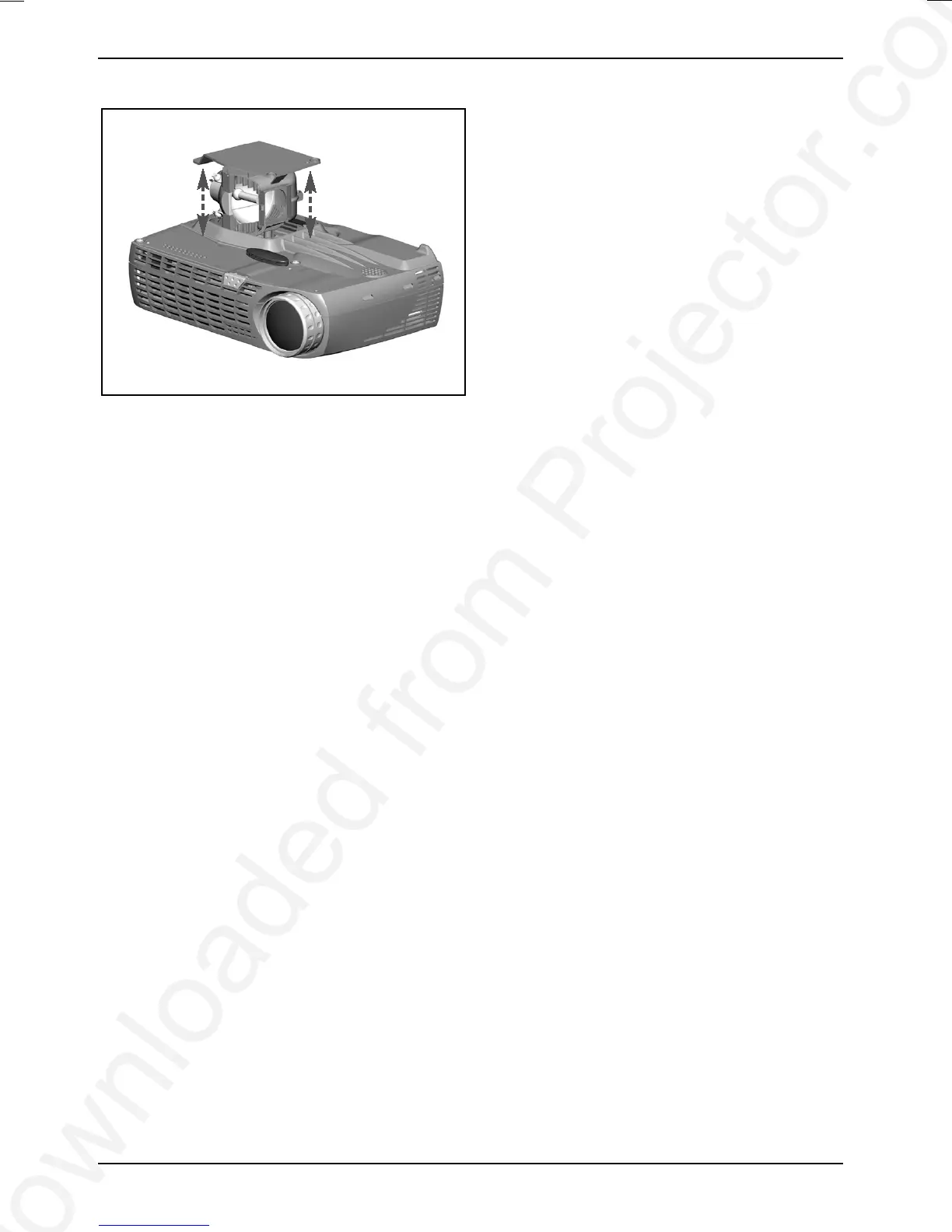
► Carefully remove the lamp housing and
dispose of it in an environmentally friendly
way.
► Insert the new lamp housing.
► Fasten the three screws again.
► After replacing the lamp, set the lamp timer
back to 0. Follow the instructions on the
OSD menu (see chapter Operating the
projector".



 To Next Page