EasyManua.ls Logo

Fukuda CardiMax Series - User Manual

Fukuda CardiMax Series
124 pages
Print Icon
To Next Page IconTo Next Page
Loading...
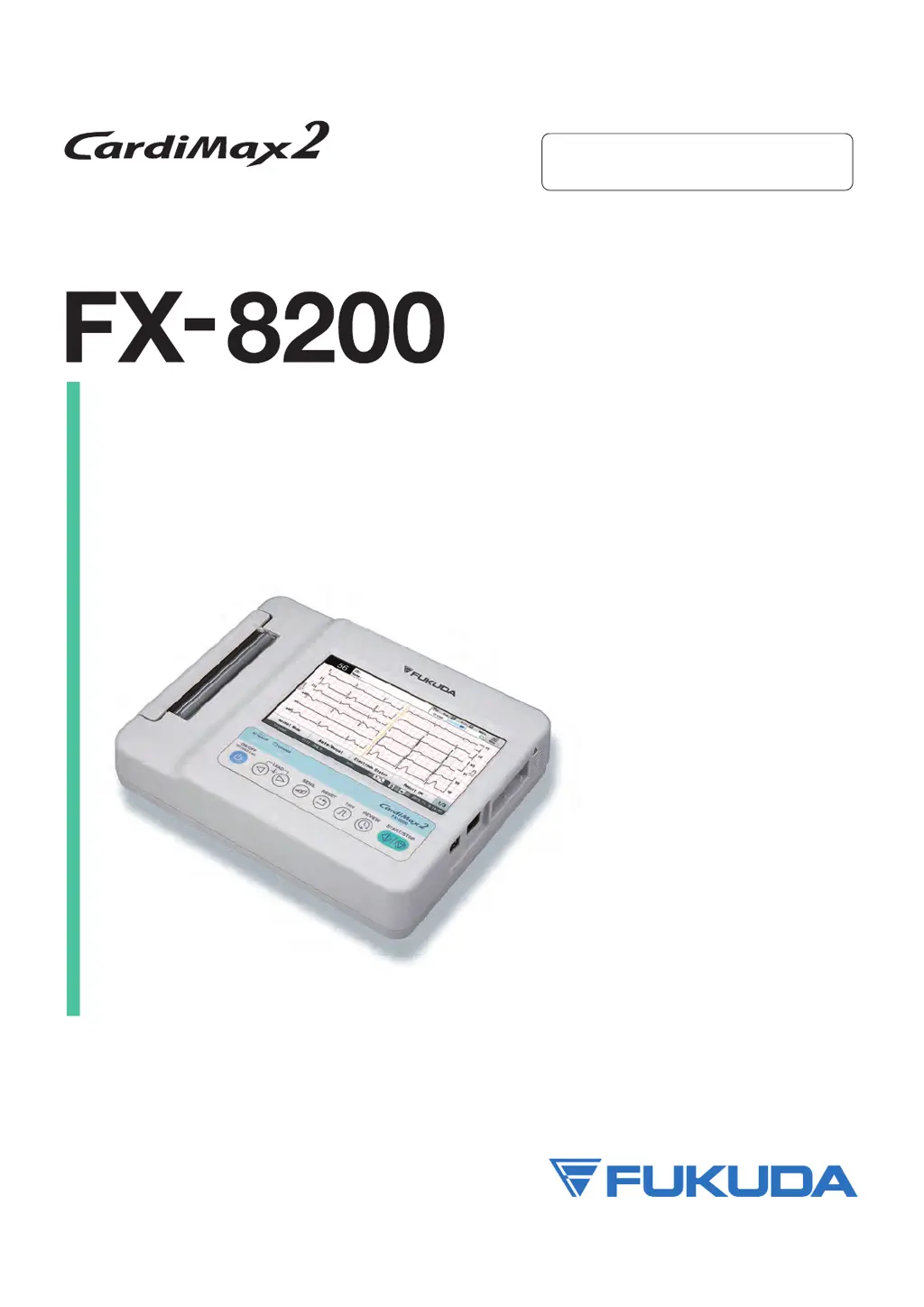
ELECTROCARDIOGRAPH
ServiceManual
*
Before installation/maintenance,
read this service manual thoroughly.
*
After reading this service manual, store it in a safe place.

Table of Contents

Questions and Answers

  • K
    Katie FinleyAug 6, 2025
    What to do if Fukuda CardiMax equipment does not operate?
    • M
      Michael HarrisonAug 6, 2025
      If your Fukuda Measuring Instruments equipment is not operating, check the following: * Ensure the AC power is properly supplied and that you're using commercial 100/240 V AC power. * Verify the power supply cable is securely connected to both the equipment and the outlet. * Check for interference from external equipment by ensuring it is turned on and that you are using the specified cable for connection. * Inspect the cable connecting the external equipment for any breakage.
  • D
    Daniel HarrisAug 21, 2025
    What to do if my Fukuda Measuring Instruments shows battery issues?
    • J
      James NixonAug 21, 2025
      Here's what to do if you encounter battery-related problems with your Fukuda Measuring Instruments: * If the backup battery for the clock is running out, it needs to be replaced. * If the power turns off automatically during battery operation due to inactivity, turn the power off and then back on. * If the power turns off automatically due to low battery, connect the power cable to switch to AC power or charge the battery. * If printing or media access fails due to low battery, connect the power cable to switch to AC power or charge the battery. * If the installed battery is running low, recharge it before operating on battery power.
  • D
    Dustin BradfordNov 13, 2025
    Why is the ECG waveform unstable on my Fukuda CardiMax Measuring Instruments?
    • R
      Robert LandryNov 13, 2025
      An unstable ECG waveform on your Fukuda Measuring Instruments could be due to several factors. Consider the following: * Ensure the examination area is appropriate and free from noise-generating electrical devices. If such devices are present, power them off or relocate the examination. * Verify the examination room's temperature is between 20°C and 25°C (68°F to 77°F) and that the humidity is low. * Confirm the patient cable is properly and securely connected and locked. * Check that the lead cable is securely connected to the electrode. * Assess the electrode status, ensuring the patient's skin is thoroughly cleaned with an alcohol swab and skin cleaner. * Verify the electrodes are within their expiration date and the gel hasn't dried out; replace if necessary. * Use prope...
  • J
    jeffrey35Nov 27, 2025
    What to do if Fukuda Measuring Instruments has file issues?
    • B
      Benjamin MooreNov 27, 2025
      Here's what to do for file-related problems with your Fukuda Measuring Instruments: * If formatting of the media has failed, the failure of the media can be considered. Contact your local Fukuda Denshi service representative. * If there is not enough space on the media to save the data, replace it with media that has enough capacity. * If the data could not be saved on the media as the maximum number of recordable data has been reached, insert a new media and save the data again. * If you failed to save the data to the media, the failure of the media can be considered. Write down the error code at the end of the message and contact your local Fukuda Denshi service representative. * If the media is not set, set the media. * If you failed to read the data from the file, the fail...

Summary

Preface and Safety Information

About This Manual

Provides information about the manual's purpose, content, and structure.

Reminders for Safe Equipment Use

Highlights critical safety warnings and precautions for the FX-8200.

Safety Notations and Symbols

Explains the meaning of safety notations and symbols used throughout the manual.

General Safety Precautions

Covers design specifications, preventive maintenance, and precautions for using with other equipment.

Electromagnetic Compatibility (EMC) Guidance

Details EMC standards and precautions to ensure safe operation under electromagnetic influence.

Chapter 1 General Description

Features of the ECG System

Overview of the CardiMax FX-8200's capabilities, including ECG measurement and data storage.

Names of Parts and Their Functions

Describes the various components of the FX-8200 and their respective functions.

Technical Specifications

Lists detailed technical specifications for ECG, printing, display, and environmental conditions.

Chapter 2 Operational Description

Hardware Overview and Block Diagrams

Provides an overview of the FX-8200 hardware, including block diagrams of key units.

Power Supply Systems

Details the primary and secondary power source circuits and their functional diagrams.

Internal Component Boards and Units

Explains the CPU board, display, thermal print head, motor drive, sensor, USB, and sound units.

ECG and Operation Panel Interfaces

Describes the ECG input unit and the operation panel/touch panel unit interfaces.

Chapter 3 Wire Connection and Block Diagrams

Wire Connection Diagram

Illustrates the overall wiring connections within the FX-8200 system.

System Block Diagram

Presents a comprehensive block diagram of the FX-8200 system architecture.

External Connector Pin Arrangements

Details the pin assignments for LAN, USB, and Serial/ECG connectors.

Chapter 4 Spare Parts List

FX-8200 Spare Parts Listing

Provides a detailed list of spare parts, including part numbers, item names, and models.

Chapter 5 Disassembly and Assembly Procedure

Component Block Diagrams

Illustrates disassembly and assembly for the Power Supply, Paper Tray, and Recorder blocks.

Case and Board Removal Procedures

Step-by-step guides for removing the lower case, recorder block, and CPU board.

Component Replacement Procedures

Instructions for removing the power supply unit and the LCD module.

Chapter 6 Software Update

Software Updating Procedure via USB

Step-by-step instructions for updating the FX-8200 software using a USB memory device.

Chapter 7 Troubleshooting

Addressing Malfunctions and Operation Issues

Guides on diagnosing unstable ECG waveforms and equipment non-operation.

Error Messages and Remedies

Lists common error messages with their causes and recommended solutions.

Hardware Troubleshooting Guide

Covers troubleshooting for file issues, startup problems, and operational failures.

Chapter 8 Maintenance

User Maintenance Self-Diagnosis

Instructions for performing user-level diagnostic tests like LCD, key, sound, and I/O tests.

Manufacturer Maintenance Diagnostics

Details advanced maintenance tests including AMP status, MAC address, and touch panel adjustment.

Component Replacement Procedures

Guides for replacing the backup battery, main battery, LCD backlight, motor, and thermal print head.

Thermal Recorder Adjustment and Cleaning

Procedures for adjusting the thermal recorder and cleaning equipment components.

Chapter 9 Maintenance and Inspection

Daily Inspection Procedures

Outlines daily checks for the equipment's appearance, accessories, and mechanical/electrical status.

Periodic Inspection Procedures

Details periodic checks for mechanical and electrical performance, including printing and calibration.

Electrical Safety Inspection

Describes procedures and requirements for electrical safety testing of the equipment.

Chapter 10 Appendix

Medical Equipment Combination Examples

Illustrates equipment combinations in medical environments based on IEC 60601-1 standards.

Maintenance and Inspection Check Lists

Provides check lists for daily, periodic, and electrical safety inspections of the FX-8200.

Fukuda CardiMax Series Specifications

General IconGeneral
BrandFukuda
ModelCardiMax Series
CategoryMeasuring Instruments
LanguageEnglish

Related product manuals