1-9-2 E9700FW
5. After updating is finished, the tray opens
automatically.
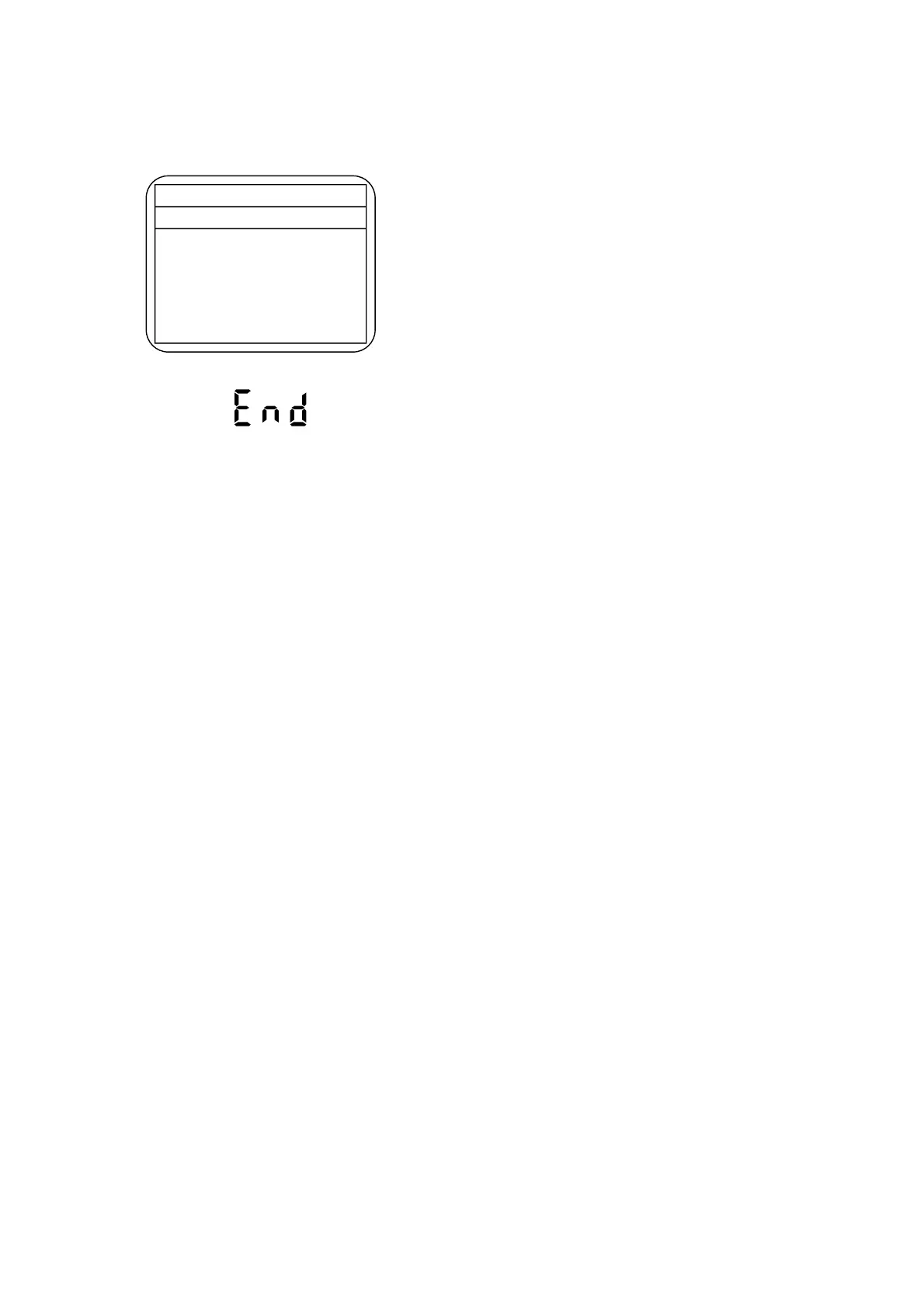
Fig. f appears on the screen and Fig. g appears on
the VFD.
At this time, no button is available.
6. Press [STANDBY-ON] button to turn the power off.
Then press it again.
Fig. f Completed Program Mode Screen
* Firmware Version differs depending on the
models, and this indication is one example.
Firm Update Mode ver. W2E3075H2D
W2E3075H2D
B/E Firmware
Update End
Fig. g VFD in Completed Program Mode
www.freeservicemanuals.info
Digitized in Heiloo Netherland



 To Next Page