24
EN
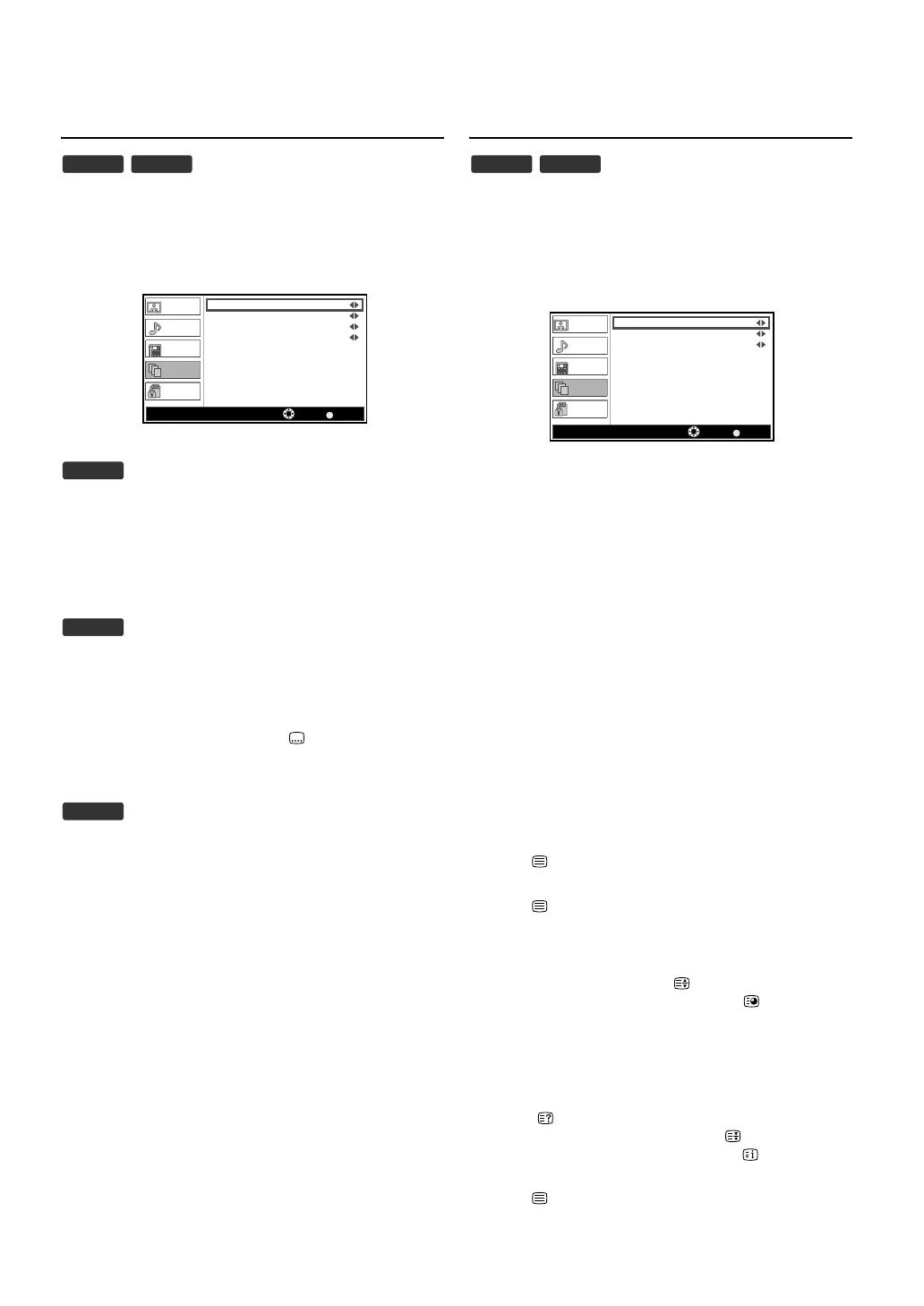
Subtitle Settings
1) Press [MENU] to display the menu.
2) Press [K / L] to select “Setup”, then press [OK].
3) Press [K / L] to select “Subtitle”, then press [OK].
• “Subtitle” menu will appear.
“Subtitle(Analogue)”
4) Press [K / L] to select “Subtitle(Analogue)”.
5) Press [s / B] to select the setting (“Muting, On, Off”) you
want.
“Digital Subtitle Language, Digital Subtitle Language
2nd”
4) Press [K / L] to select the item you want.
5) Press [s / B] to select the language you want.
“Subtitle Type”
4) Press [K / L] to select “Subtitle Type”.
5) Press [s / B] to select the setting (“-, Hearing Impaired”)
you want.
6) Press [MENU] to exit.
Teletext
You can change the teletext settings.
1) Press [MENU] to display the menu.
2) Press [K / L] to select “Setup”, then press [OK].
3) Press [K / L] to select “Teletext”, then press [OK].
• “Teletext” menu will appear.
“Teletext Language”
4) Press [K / L] to select “Teletext Language”.
5) Press [s / B] to select the language you want.
“Decoding Page Language”
You can adjust the decoding paging language.
4) Press [K / L] to select “Decoding Page Language”.
5) Press [s / B] to select the language you want.
“TTX Presentation Level”
You can adjust the teletext presentation level.
Level 2.5 offers more colours and better graphics than Level 1.5.
4) Press [K / L] to select “TTX Presentation Level”.
5) Press [s / B] to select the setting (“Level 2.5, Level 1.5”)
you want.
6) Press [MENU] to exit.
To show the teletext
1) Press [ (text)] to turn on the teletext decoder.
• “Teletext” information will appear.
2) Press [ (text)] repeatedly to show the teletext in
transparent mode or picture and teletext mode.
3) Press [ (text)] to turn off the teletext decoder.
Note:
While watching a programme, you can change the
subtitle language easily using [ (subtitle)] when it is
available.
DTV ATV
BACK
Picture
Sound
TV
Setup
Parental
Subtitle(Analogue)
Off
Digital Subtitle Language
Digital Subtitle Language 2nd
Subtitle Type -
Subtitle Select Back
English
English
ATV
DTV
DTV
Note:
• If you want to select other pages, press
[the Number buttons] or [K / L].
• To enlarge fonts, press [ (expand)].
• To select the teletext subpages, press
[ (subpage)
],
then press [the Number buttons]
to enter the
subpage number.
• To directly select the page numbers shown at the
bottom of the TV screen, use [RED/GREEN/
YELLOW/BLUE].
• To call up the hidden information, press
[ (reveal)].
• To hold the current page, press [(hold)].
• To go back to the start page, press [ (index)].
• To hide the teletext, press [SLEEP].
DTV ATV
BACK
Picture
Sound
TV
Setup
Parental
Teletext Language
Decoding Page Language
TTX Presentation Level
Level 2.5
Teletext
Select Back
English
WEST EUR



 To Next Page