EasyManua.ls Logo

Furrion Aurora Series - User Manual

Furrion Aurora Series
36 pages
Print Icon
To Next Page IconTo Next Page
Loading...
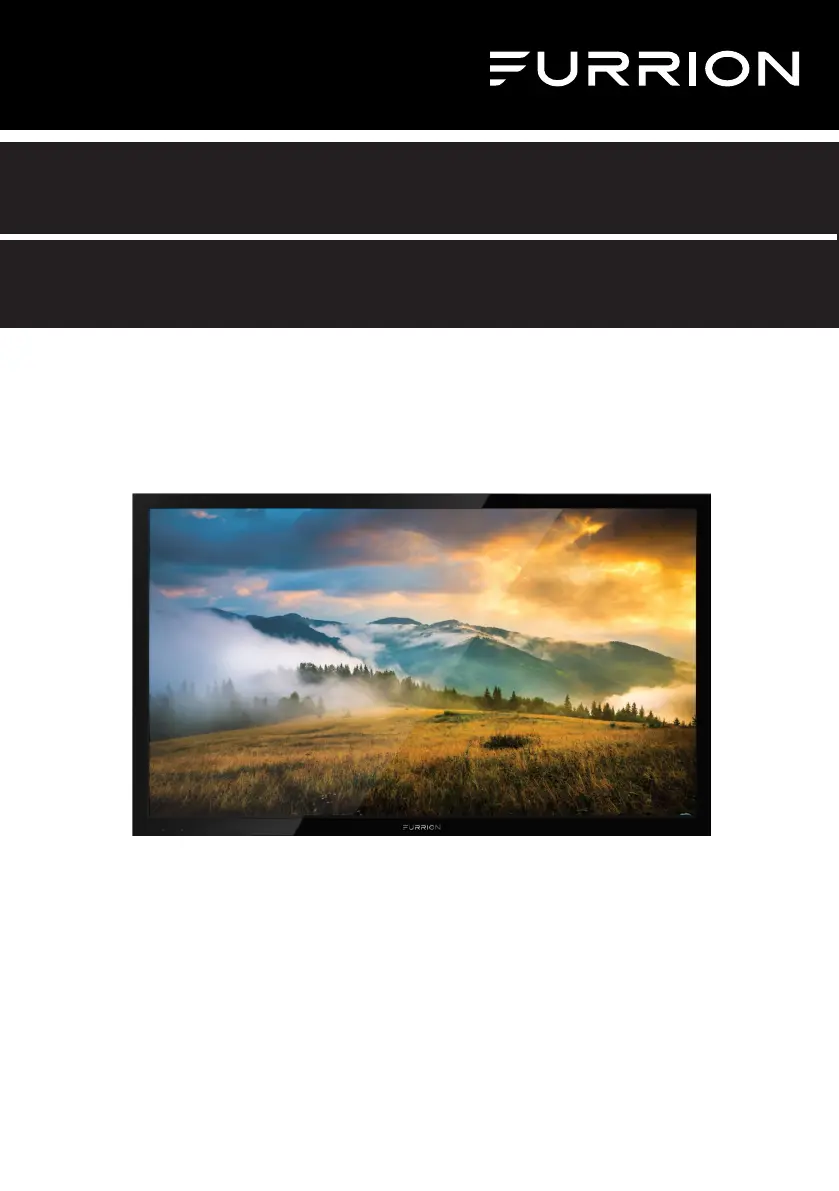
*Product picture is for reference only.
Furrion Aurora™ TV Series
Instruction Manual
Model: FDUP43CBR / FDUP49CBR / FDUF55CBR / FDUP65CBR
FDUF43CBR / FDUF49CBR / FDUP55CBR / FDUF65CBR

Other manuals for Furrion Aurora Series

Questions and Answers

  • C
    crystalwoodAug 15, 2025
    How to troubleshoot Furrion Aurora that does not operate?
    • T
      Timothy MurphyAug 15, 2025
      If your Furrion TV isn't operating, ensure it's properly plugged into a working AC outlet. Check the fuse or circuit breaker to confirm power is available. As a last resort, try unplugging the unit for an hour before plugging it back in.
  • J
    Joann GonzalezAug 18, 2025
    Why is my Furrion Aurora TV showing black and white image?
    • X
      xkellerAug 18, 2025
      If you're seeing a black and white image from a connected AV device on your Furrion TV, check the video connections on both the TV and the device. Ensure the colors match between the connectors and sockets: green (Y), blue (Pb/Cb), and red (Pr/Cr) for component connections, and yellow (VIDEO) for composite connections. Also, make sure all video cables are firmly connected.
  • M
    michellerodriguezAug 21, 2025
    What causes poor picture on Furrion TV?
    • H
      Holly ThomasAug 21, 2025
      If you are experiencing poor picture or no picture on your Furrion TV, try tuning to another station to rule out issues with the current broadcast or cable signal. Ensure that channels are properly set into memory. Check the connections of your antenna or cable TV and adjust the antenna if necessary. Also, check for any potential sources of interference and review your picture control adjustments.
  • L
    lewisandreaAug 25, 2025
    Why does my Furrion TV have poor sound?
    • C
      Caleb DavidsonAug 26, 2025
      If you're getting poor sound or no sound from your Furrion TV, first try tuning to another station to rule out problems with the current broadcast or cable signal. Check your sound adjustments, such as volume and mute settings. Also, look for any potential sources of interference that might be affecting the audio.
  • A
    Amanda ReyesAug 28, 2025
    How to improve Furrion TV reception?
    • J
      James RayAug 28, 2025
      If you are experiencing poor TV reception on your Furrion TV, make sure the antenna amplifier is turned on if you're using Antenna TV. You may need to adjust the antenna position to find a stronger signal. Check that the antenna connection is securely attached to the TV. Also, verify that power is supplied to the antenna distribution box and that your incoming cable is connected to the correct cable/antenna wall connection inside your RV. Finally, ensure the internal RV coax jump cable is connected to the correct port.
  • D
    Donna HenryAug 31, 2025
    What to do if my Furrion Aurora has picture but no sound?
    • C
      christophercoleAug 31, 2025
      If your Furrion TV has a normal picture but no sound, first check the volume settings and make sure the sound isn't muted by pressing the MUTE button. Try switching to another channel to rule out a broadcast issue. Also, verify the audio cable connections are secure.
  • A
    Adam MooreSep 4, 2025
    Why is my Furrion TV remote control not working?
    • A
      Alyssa MendezSep 4, 2025
      If your Furrion TV remote control isn't working, ensure it's within range and there are no obstructions blocking the signal. Check the batteries to make sure they have power. Also, verify that the remote is set to the correct operating mode (TV, VCR, etc.).
  • R
    Renee JimenezSep 7, 2025
    How to fix poor cable reception on Furrion Aurora TV?
    • F
      fthompsonSep 7, 2025
      If you are experiencing poor Cable / Satellite TV reception on your Furrion TV, ensure the antenna amp is turned off for cable signal. Check if the incoming cable is connected correctly to RV. Ensure cable splitter box has power. Check if the incoming cable is connected to the correct cable / Satellite wall connection inside your RV. Ensure the internal RV coax jump cable is connected to the correct port. Ensure Dish has no obstruction.
  • W
    Whitney HudsonSep 12, 2025
    Why does my Furrion Aurora keep shutting off?
    • N
      Natasha JohnsonSep 12, 2025
      If your Furrion TV shuts off unexpectedly, check if the Sleep Timer is enabled. Also, consider whether there might have been a power interruption.

Summary

Furrion Aurora TV Series

Safety Warnings

Important Safety Instructions

Essential guidelines for safe operation and handling of the TV.

Electrical Safety Precautions

Warnings and precautions related to electric shock and fire hazards.

LED Panel Handling and Care

Specific instructions for safely handling the TV screen and avoiding damage.

Power Source Safety

Guidelines for safe connection to the power supply.

Wall Mounting Safety

Safety considerations and procedures for mounting the TV on a wall.

Function Overview

Control Panel Layout

Identifies and explains the buttons on the TV's control panel.

Rear Panel Connectivity

Details all input and output ports on the back of the TV.

Remote Control Buttons

Explains the function of each button on the remote control.

Remote Control Functions

Detailed description of the remote control's capabilities.

Before Operation

Remote Control Battery Installation

Step-by-step guide for inserting batteries into the remote control.

Connecting the Power Cord

Steps for safely connecting the TV to a power source.

Wall Mounting Recommendations

Guidance on selecting suitable locations and methods for wall mounting.

TV Settings Configuration

USB Operation

Troubleshooting

Specifications

Furrion Aurora Series Specifications

General IconGeneral
Display TypeLED
Smart TVYes
Outdoor UseYes
Operating Temperature-4°F to 122°F (-20°C to 50°C)
Refresh Rate60Hz
HDMI Ports3
EthernetYes
Screen Size43 inches, 55 inches, 65 inches
Resolution4K Ultra HD (3840 x 2160)
HDR SupportHDR10
WeatherproofYes
InputsHDMI, USB, RF
Wi-FiYes
BluetoothYes
Speaker Output20W (2 x 10W)
Dimensions (W x H x D)Varies by model
WeightVaries by model

Related product manuals