EasyManua.ls Logo

Furrion FEHD24S3D - User Manual

Furrion FEHD24S3D
36 pages
Print Icon
To Next Page IconTo Next Page
Loading...
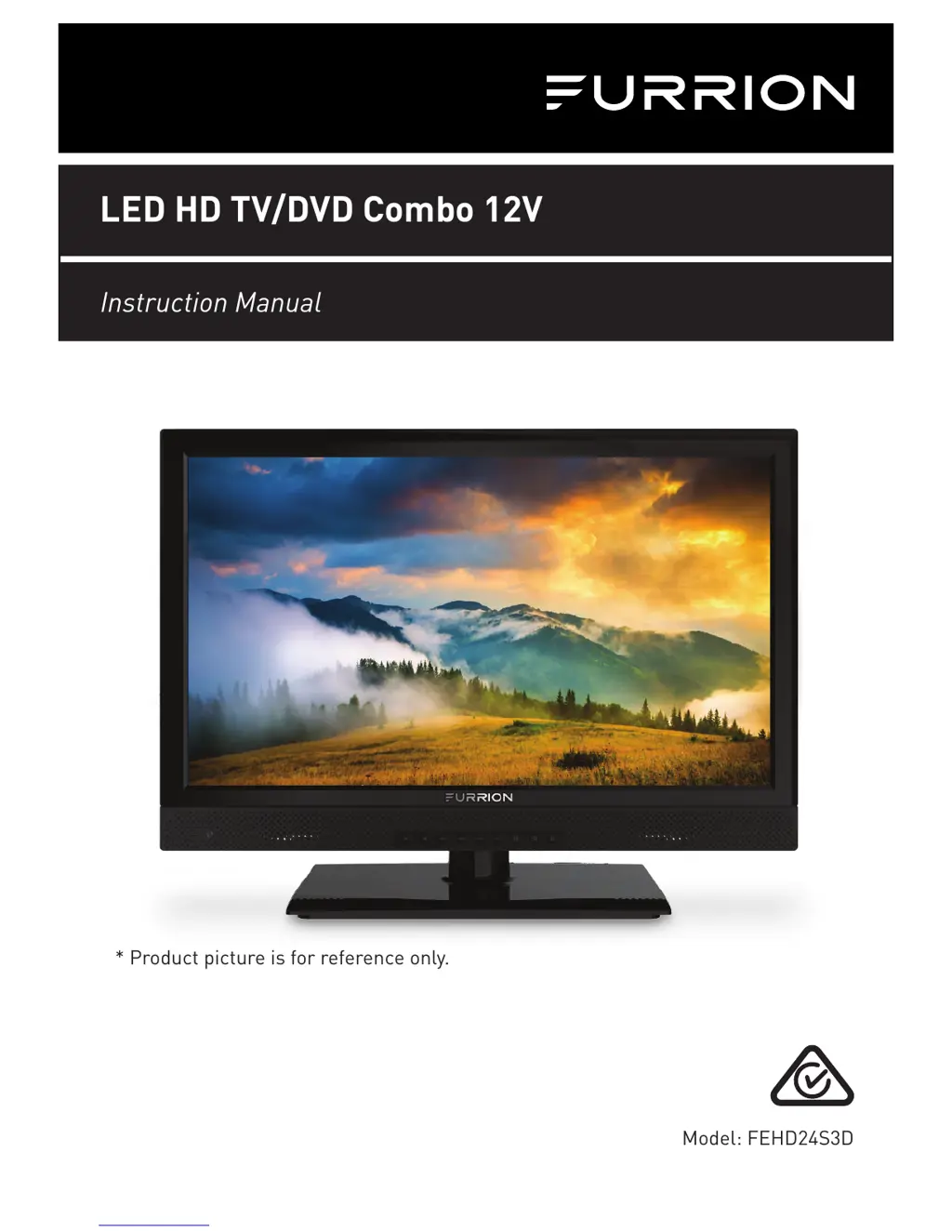
Model: FEHD24S3D
LED HD TV/DVD Combo 12V
Instruction Manual
* Product picture is for reference only.

Questions and Answers

  • S
    Steven ShawAug 14, 2025
    What to do if my Furrion FEHD24S3D TV DVD Combo does not operate?
    • K
      Kevin ThompsonAug 14, 2025
      If your Furrion TV DVD Combo isn't working, ensure the power cord is properly plugged in and try a different AC outlet. Also, check the fuse or circuit breaker to make sure power is available. As a last resort, unplug the unit for an hour, then plug it back in.
  • G
    gbowenAug 17, 2025
    Why is my Furrion FEHD24S3D TV DVD Combo remote control not working?
    • W
      wongconnorAug 18, 2025
      If the remote control for your Furrion TV DVD Combo isn't working, first, make sure it's within range and there are no obstructions. Then, check the batteries. Finally, ensure the correct operating mode (TV, VCR, etc.) is selected on the remote.
  • T
    thompsonbrianAug 21, 2025
    How to fix normal picture but no sound on Furrion FEHD24S3D TV DVD Combo?
    • T
      tshafferAug 21, 2025
      If you're getting a picture but no sound on your Furrion TV DVD Combo, start by checking the volume settings and making sure the sound isn't muted by pressing the MUTE button. Try switching to another channel and verify the audio cable connections are secure.
  • T
    Todd WattsAug 25, 2025
    What to do if Furrion TV DVD Combo has poor picture or no picture?
    • L
      Luis MckenzieAug 25, 2025
      If your Furrion TV DVD Combo displays a poor picture or no picture, try tuning to another station in case the station or cable TV is experiencing problems. Make sure the channels are set into memory and check the antenna or cable TV connections, adjusting the antenna if necessary. Also, check for sources of possible interference and verify the picture control adjustments.
  • S
    Stephen WilliamsAug 27, 2025
    Why does my Furrion FEHD24S3D have poor sound or no sound?
    • J
      jrobbinsAug 27, 2025
      If your Furrion TV DVD Combo has poor or no sound, first, tune to another station in case the current station or cable TV is experiencing problems. Next, check the sound adjustments, such as volume and mute settings. Also, check for any sources of possible interference.
  • W
    William ScottAug 30, 2025
    How to improve poor TV reception on Furrion TV DVD Combo?
    • A
      Albert RodriguezAug 31, 2025
      To improve poor TV reception on your Furrion TV DVD Combo: 1. Ensure the antenna amplifier is turned on for Antenna TV. 2. Adjust the antenna position to a stronger signal receiving angle. 3. Check the Antenna connection is tight to the TV. 4. Check there is power supplied to the Antenna distribution box. 5. Confirm your incoming cable is connected to the correct cable / antenna wall connection inside the RV. 6. Ensure the internal RV coax jump cable is connected to the correct port.
  • A
    Amy KirkSep 3, 2025
    How to troubleshoot poor Cable / Satellite TV Reception on Furrion FEHD24S3D TV DVD Combo?
    • K
      Kayla PowellSep 3, 2025
      To troubleshoot poor Cable / Satellite TV reception on your Furrion TV DVD Combo: 1. Ensure the antenna amp is turned off for cable signal. 2. Check incoming Cable is connected correctly to RV. 3. Ensure cable splitter box has power. 4. Confirm the incoming cable is connected to the correct cable / Satellite wall connection inside your RV. 5. Ensure the internal RV coax jump cable is connected to the correct port. 6. Check Dish has no obstruction.
  • D
    Dean PetersonSep 6, 2025
    Why does my Furrion FEHD24S3D keep shutting off?
    • S
      Susan MartinezSep 6, 2025
      Your Furrion TV DVD Combo might be shutting off because the Sleep Timer is set, or the power supply is interrupted.
  • K
    Kathryn BeasleySep 9, 2025
    Why is my Furrion FEHD24S3D TV DVD Combo showing a black and white image from the connected AV device?
    • L
      Lauren DavisSep 10, 2025
      If you're seeing a black and white image from a connected AV device on your Furrion TV DVD Combo, check the video connections on both the TV and the AV device. Make sure the colors match between the connectors and sockets: green (Y), blue (Pb/Cb), and red (Pr/Cr) for component connection, and yellow (VIDEO) for composite connection. Also, ensure all video cables are connected firmly.

Summary

Safety Warnings

Important Safety Instructions

List of crucial safety guidelines for safe operation.

Safety Precautions

Precautions to avoid injury and ensure safe placement and use.

Function Overview

Remote Control Functions

Explanation of buttons and their operations on the remote control.

Before Operation

Getting Started

Auto Installation Process

Step-by-step guide for initial TV setup and channel scanning.

Change Settings

Picture Menu Settings

Adjustments for picture quality like brightness, contrast, and color.

Sound Menu Settings

Options for adjusting audio output, sound modes, and balance.

Channel Menu Settings

Configuration for channel management, favorite lists, and tuning.

USB Operation

DVD Operation

Troubleshooting

Common TV Problems and Solutions

Solutions for issues like no power, no sound, or poor reception.

Furrion FEHD24S3D Specifications

General IconGeneral
Screen Size24 inches
Resolution1920 x 1080
DVD PlayerYes
HDMI Ports2
USB Port1
Aspect Ratio16:9
Brightness250 cd/m²
Contrast Ratio1000:1
Power Consumption36W
Built-in SpeakersYes
Power SourceAC 100-240V, 50/60Hz
Viewing Angle178° (H) / 178° (V)
VESA Mount CompatibleYes (100 x 100 mm)

Related product manuals