Need help?
Do you have a question about the Fury Hunter and is the answer not in the manual?
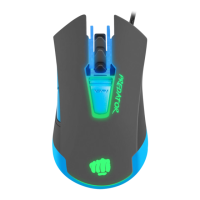
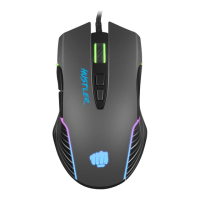
Precise optical sensor with 4800 DPI resolution and 4 DPI levels.
Includes gaming software for profile and macro editing.
Main button switches rated for a lifetime of 5 million clicks.
Connect to USB port and wait for driver installation (approx. 15 seconds).
Download the latest software for button and DPI settings from fury-zone.com.
Copy Hunter.exe to any location; no installation needed. Double-click to run.
Details sensor type, resolution, polling rate, tracking speed, keys, dimensions, and weight.
Requires a PC or compatible device with a USB port and Windows XP/Vista/7/8/10.
Use as directed. Avoid physical damage, extreme temperatures, magnetic fields, and moisture.
Provides 2 years of limited manufacturer warranty.
Conforms to EU requirements, RoHS standard, and WEEE disposal guidelines.

 To Next Page
 General