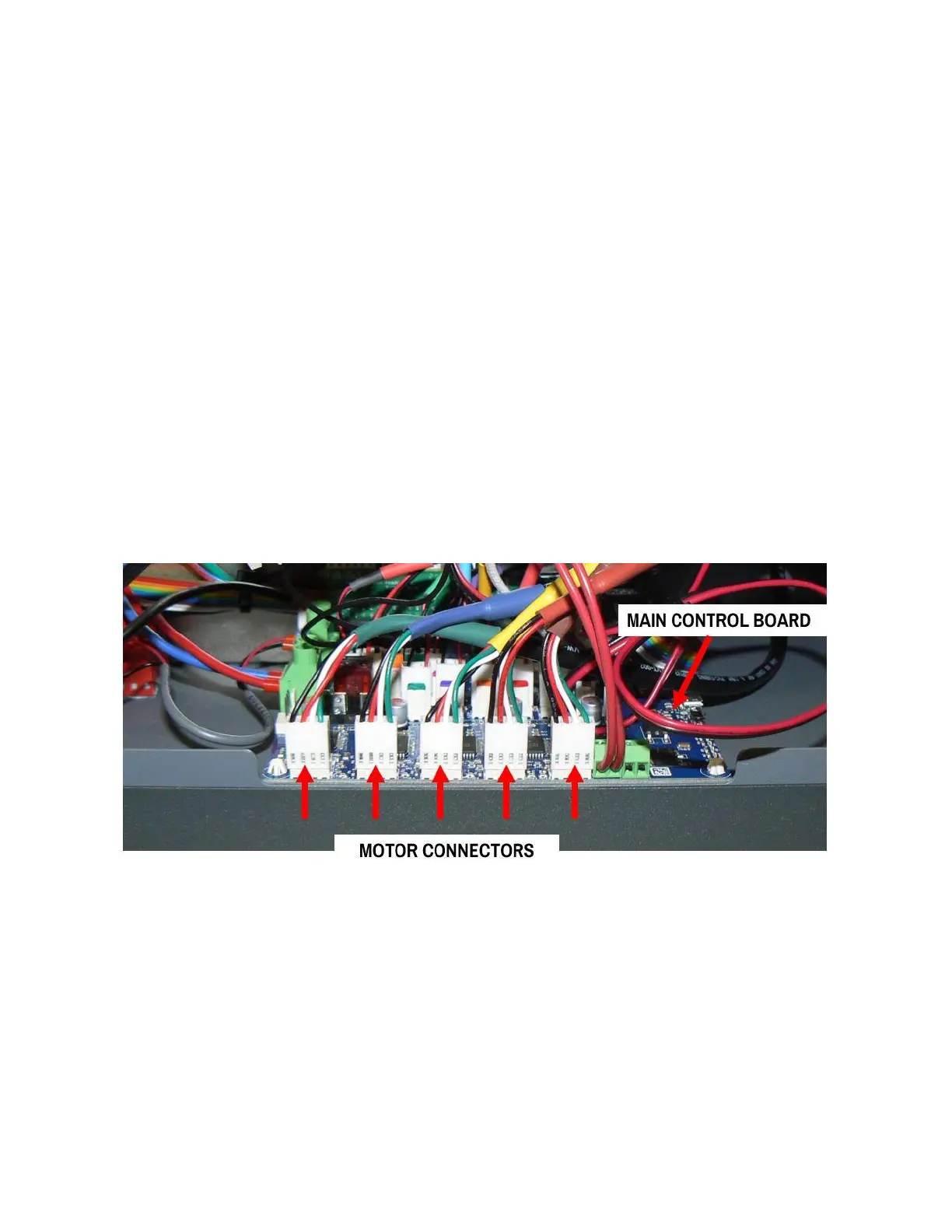
CHECKING THE MOTOR CONNECTORS
How to check the motor connectors & make sure they're fully seated
WHEN TO DO THIS
● If you're instructed to do so by Fusion3 Customer Support
● If you see "Phase disconnect" warnings regularly in the console
PROCEDURE
1. EDGE should be off and cold. Unplug the main power cord from the machine.
2. Remove the Electronics Bay service panel from the left side of the printer. (See "accessing the
printer for maintenance" for more info)
3. Locate the main control board (PCB towards the rear of the electronics bay).
4. Locate the (5) motor connectors on the edge of the board closest to you. These have 4 wires each.



 To Next Page