4
2. Installing your Futiro USB Phone
Please follow these 6 easy steps to set up your Futiro USB Phone for iChat.
STEP 1
First, remove any previous version of the Futiro software by dragging the
Futiro icon to Trash.
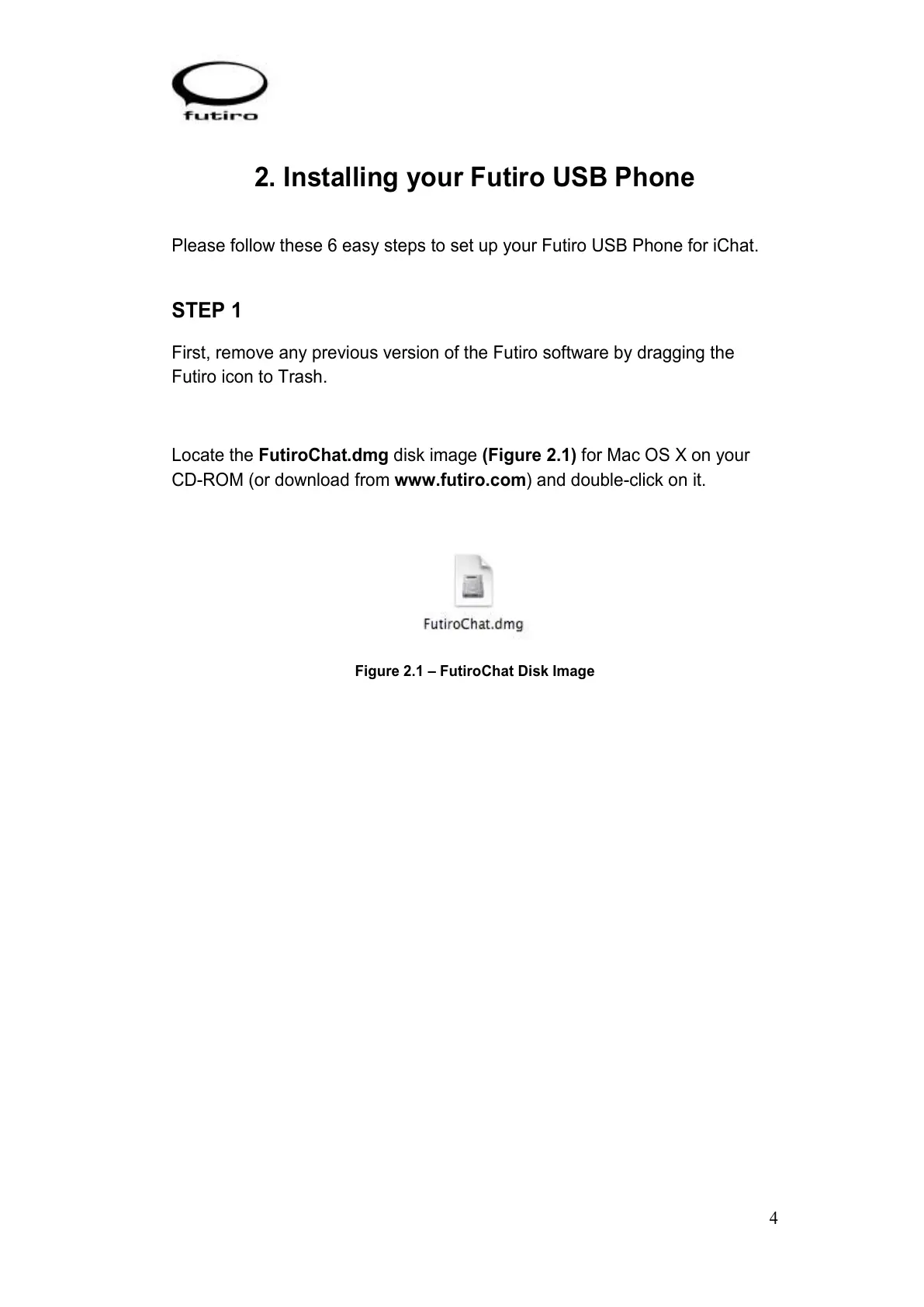
Locate the FutiroChat.dmg disk image (Figure 2.1) for Mac OS X on your
CD-ROM (or download from www.futiro.com) and double-click on it.
Figure 2.1 – FutiroChat Disk Image



 To Next Page