51839250X62NXS_V_1_1_E.DOC
10/15
Caution: Devices in hanging installations may cause severe injuries when crashing down! If you have
doubts concerning the safety of a possible installation, do NOT install the device!
Before rigging make sure that the installation area can hold a minimum point load of 10 times the device's
weight.
DANGER OF FIRE!
When installing the device, make sure there is no highly-inflammable
material (decoration articles, etc.) within a distance of min. 0.5 m.
Mount the device to your trussing system using an appropriate clamp.
For overhead use, always install a safety-rope that can hold at least 12 times the weight of the fixture. You
must only use safety-ropes with quick link with screw cap. Pull the safety-rope through the attachment eyelet
and over the trussing system or a safe fixation spot. Insert the end in the quick link and tighten the safety
screw.
The maximum drop distance must never exceed 20 cm.
A safety rope which already hold the strain of a crash or which is defective must not be used again.
Adjust the desired inclination-angle via the mounting-bracket and tighten the fixation screws.
DANGER TO LIFE!
Before taking into operation for the first time, the installation has to be approved by an expert!
Master/Slave-operation
The master/slave-operation enables that several devices can be synchronized and controlled by one master-
device.
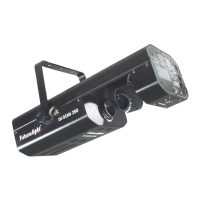
On the rear panel of the DJ-SCAN 250 you can find an XLR-jack (DMX Out) and an XLR-plug (DMX In),
which can be used for connecting several devices.
Choose the device which is to control the effects. This device then works as master-device and controls all
other slave-devices, which are to be connected to the master-device via a balanced microphone lead.
Connect the DMX OUT-jack with the DMX IN-plug of the next device.
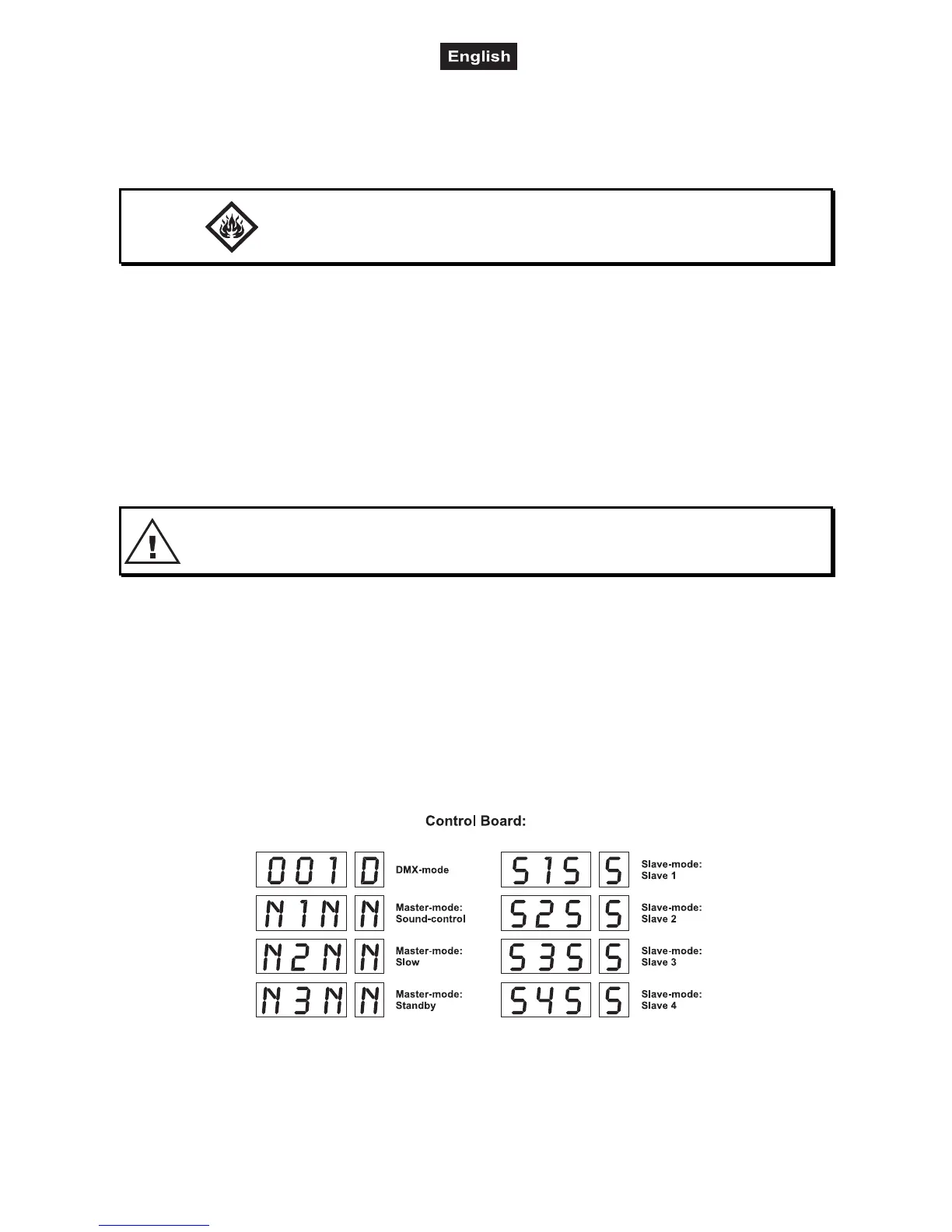
Set the desired Master-mode for the master-device. Set the respective Slave-mode for all slave-devices.
Blackout-socket
If you wish to lock the light output - e.g. via an optional footswitch (Blackout-mode), connect your footswitch
via a mono-jack plug to the Blackout-socket.


 To Next Page