3) Enter into the “search device” page, make sure to turn up
you phone’s volume to the Maximum, you will hear the
following voice: “Pairing Information Received”.
4) You have connected the device to the App successfully.
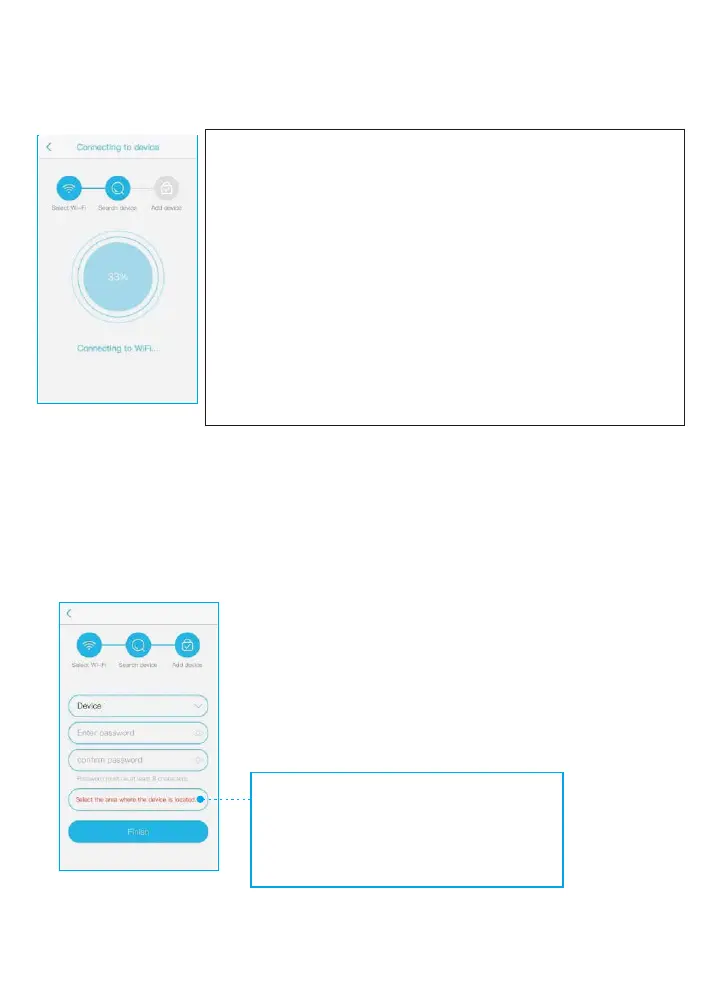
Now you can setup a password to log in, which could
protect your privacy. The camera password should be
more than 8 characters in length including numbers
and letters.
What should you do if you can not add the
camera to the APP successfully?
1. Reboot your router to make sure the WiFi
network smooth.
2. Reset the camera using the pin included.
3. Turn up your phone’s volume to the Maximum.
4. Re-do the In-App setup as per user manual
page 5 to 7.
5. Please confirm again your WiFi password correct.
6. Please make sure your router setting is DHCP
enabled, otherwise your router will not send out
WiFi signal for any wireless device for pairing up.
Please choose " Non chinese
mainland users” or you will
not get proper notifications


 To Next Page
 Loading...