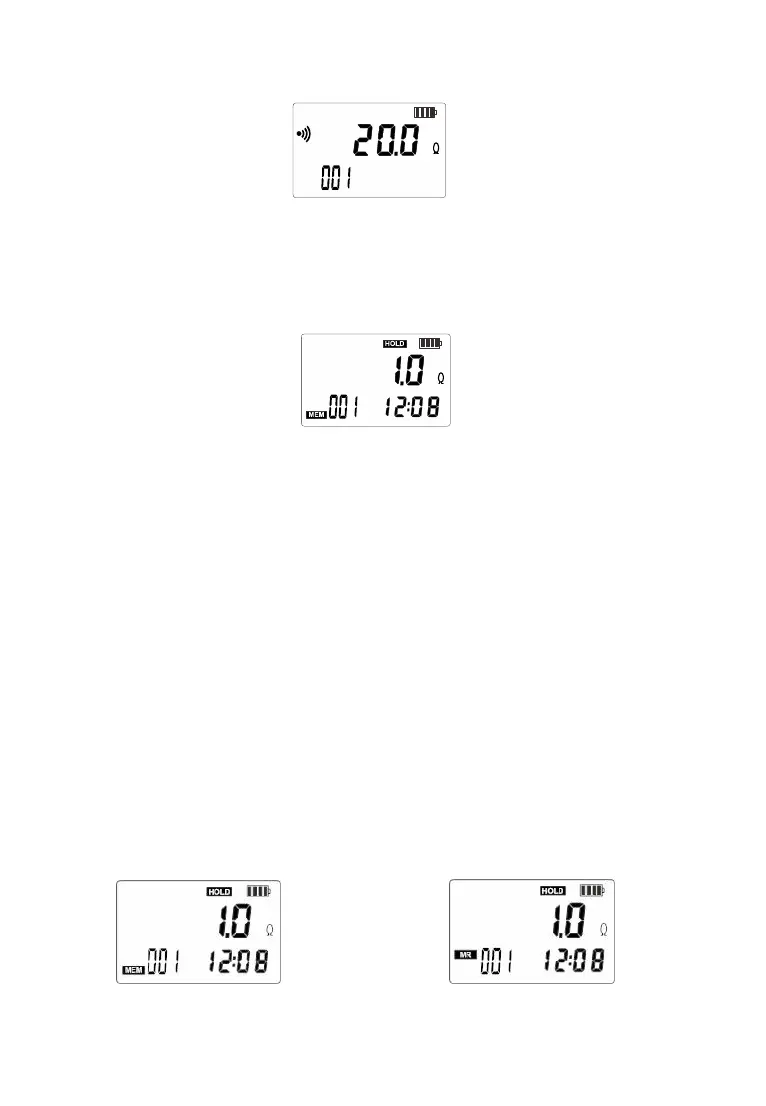
6.Date Lock
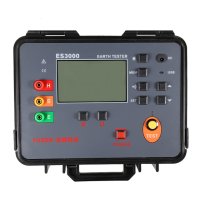
After the measurement is stable after power on, short press
“HOLD” key to lock the current display data, save the data, and press
“HOLD” key again to exit lock mode. As shown below:
7.Data Storage / Review / Delete
When the measurement is completed after power on, short
press "HOLD" key to store data, "MEM" symbol flashes and
automatically numbers, if the memory is full, the instrument flashes
to display "MEM" symbol, press "MEM" key to enter the data
review, store data reading interface "MR" symbol display.Press
“AL”or“SET” key to select the corresponding data of the array
number with a step value of 1, and press “MEM” again to exit.
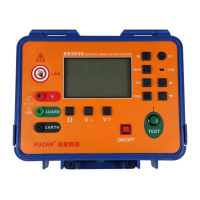
See the figure below. The left figure flashes the “MEM” symbol
when the data is stored. The current storage group number is 1;
the middle figure is the data reference mode, and the current
number of reference groups is 1.


 To Next Page