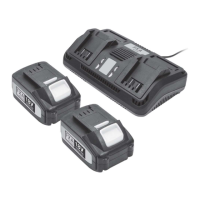
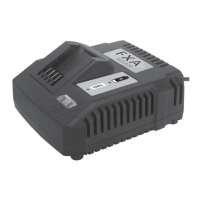
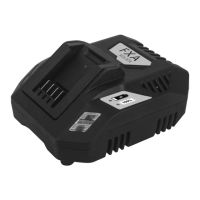
USAGE OF CHARGER
This charger can be used with an input voltage of 230V and an AC frequency
of 50-60 Hz. The power cord can be changed to suit the local power socket.
To avoid the risk of damage and injury, only use the charger to recharge
SMILODON 80V Batteries. Never try to recharge non-rechargeable batteries.
WARNING: If the charger is plugged in and no LED lights are illuminated,
check that the power cord is firmly plugged into the side of the charger and
that the electrical outlet is live, by testing with a different electrical appliance.
If the charger still does not illuminate it check with your nearest authorized
service centre. Do not attempt to use the charger.
Status indicator lights
- The LED light indicates the operating status and the state of charge of
the battery.
- LED steady red – the charger is ready to charge, but no battery is
connected
- LED flashes green. Battery is charging.
- LED steady green: The battery is fully charged and should be removed.
- LED flashes red: battery fault or overheat.
Charging the battery
- Plug the charger into an AC outlet 220-250V (normal household
voltage).
- Insert the battery into the slots of the charger and slide into place until
the battery locks into place


 To Next Page
 Loading...