Need help?
Do you have a question about the G-Lab GSC-3 and is the answer not in the manual?
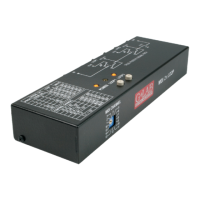
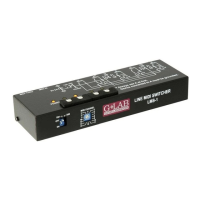
Identifies the BANK DOWN footswitch, BANK UP footswitch, and MIDI IN channel setting switch.
Check GSC-2 firmware version 2.20+ and prepare module connection.
Connect to AUX connector, set AF2 and bank mode, manage cable length.
Connect MIDI signal and set MIDI channel using the switch.
Module receives Program Change commands (1-100) and has MIDI THRU output.
Lists product dimensions (depth, width, height) and weight.
Specifies power supply is 12V from AUX output.
Device designed to conform with safety and electromagnetic interference standards.
User-guided steps to correct potential radio or television interference.
Declaration of conformity to standards PN-EN 60065, PN-EN 55103-1, PN-EN 55103-2.
Conforms to directives 73/23/EEC, 2004/108/EEC; issued March 2009.
Do not place in waste container; return to collection points for recycling.

 To Next Page

 General