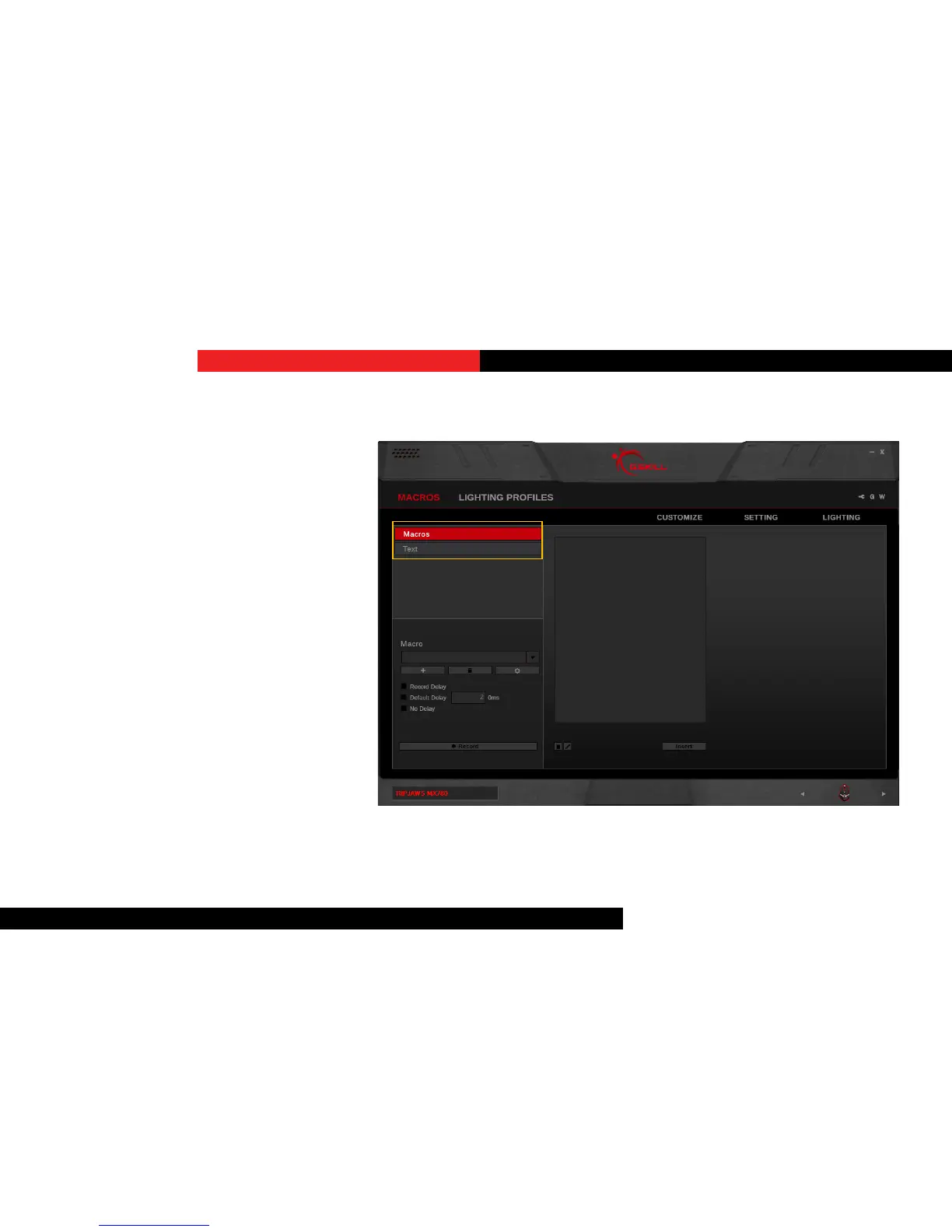
IntroducingMacros
There are two kinds macros you can set:
keystroke macro and text macro.
If you are looking to set delays or
customize using keystrokes within the
macro, then use the keystroke macro.
If you are looking to set text-only macro,
then use the text macro.
Macros



 To Next Page