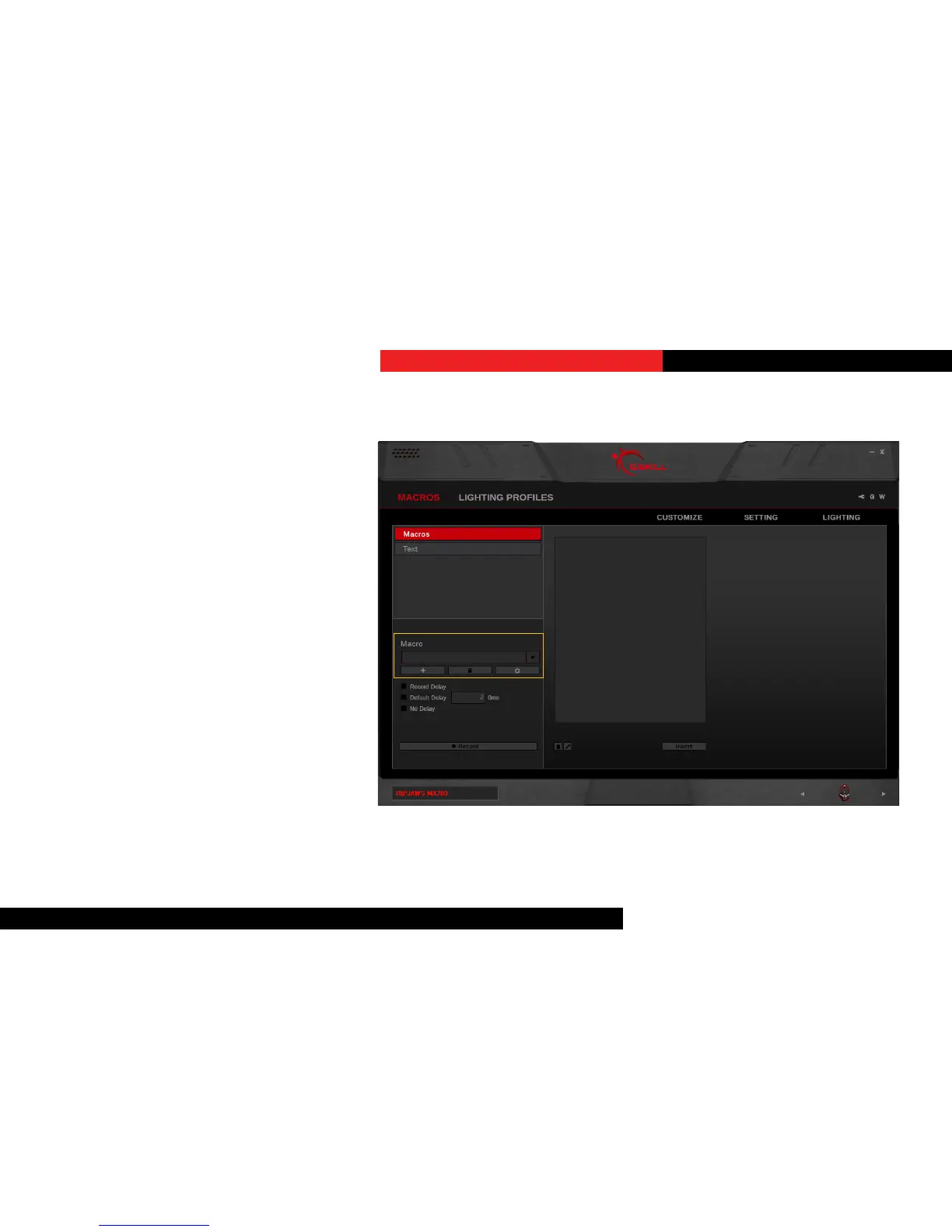
Create a Macro
In the le column, click on the “+” buon
to create a new macro. Opons for
recording a macro will appear when a
macro is created.
DeleteaMacro
Click on the trash bin icon below the
macro name to delete the current macro.
Copy a Macro
Click on the gear icon below the macro
name and select “Copy” to make a
duplicate of the current macro.
Export/ImportaMacro
Click on the gear icon below the macro
name and select “Export” (or “Import”)
from the list. A window will prompt you to
choose a locaon and a le name to save
(or load) the macro.
Macros (Keystroke)



 To Next Page