6
DRIVERINSTALLATION
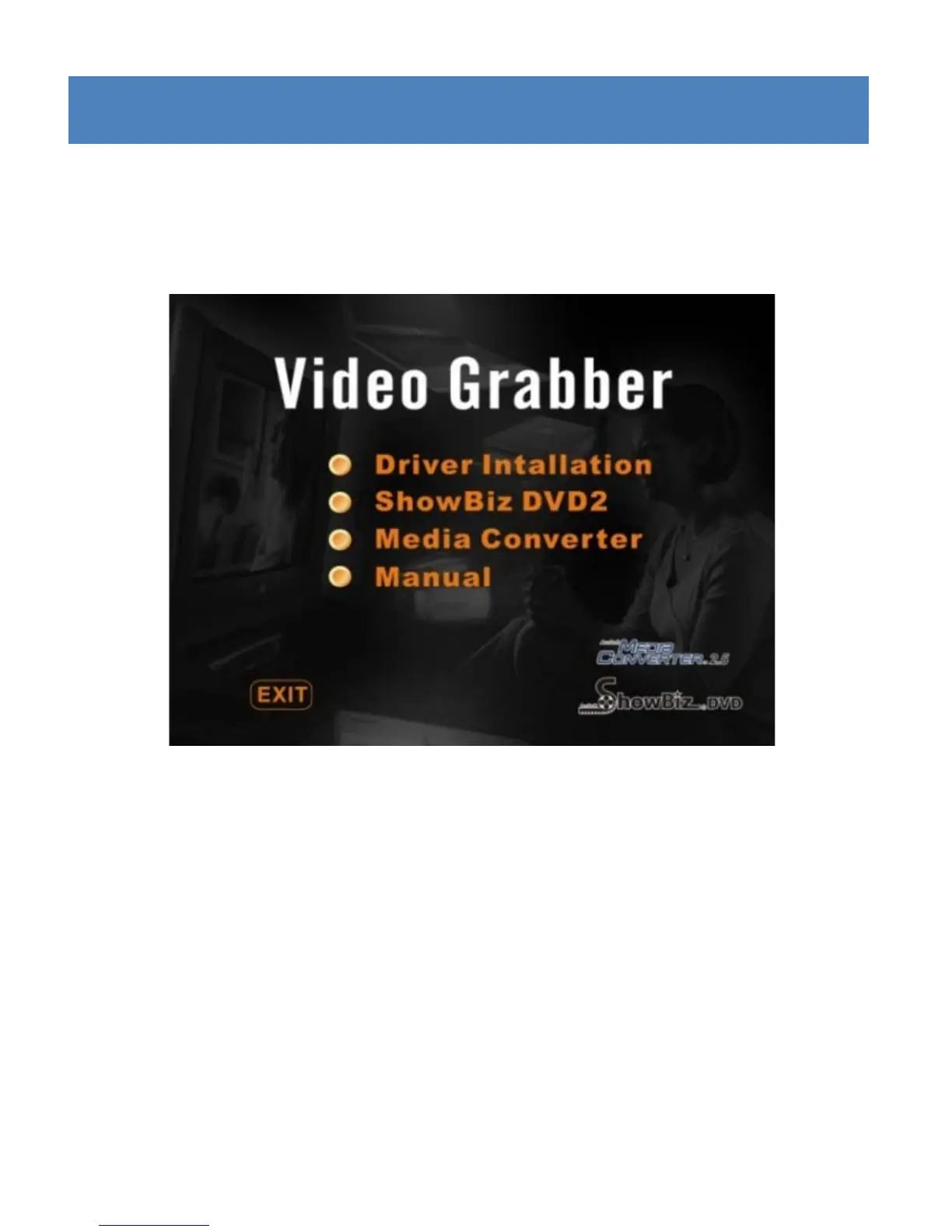
Step 1: Insert the Driver & Software CD into your CD/DVD
ROMdrive.Thefollowingscreenwillappear:
Ifthe “Autorun”menudoesnotautomaticallyappear, click
on “My Computer”/ “Computer”, then right click on the
CD/DVDROMdriveiconandselect“Autoplay”.
Step2:Select
thedriveroptionandfollowtheinstallation
instructionstofinishthedriverinst allationprocedure.


 To Next Page