8
SOFTWAREINSTALLATION
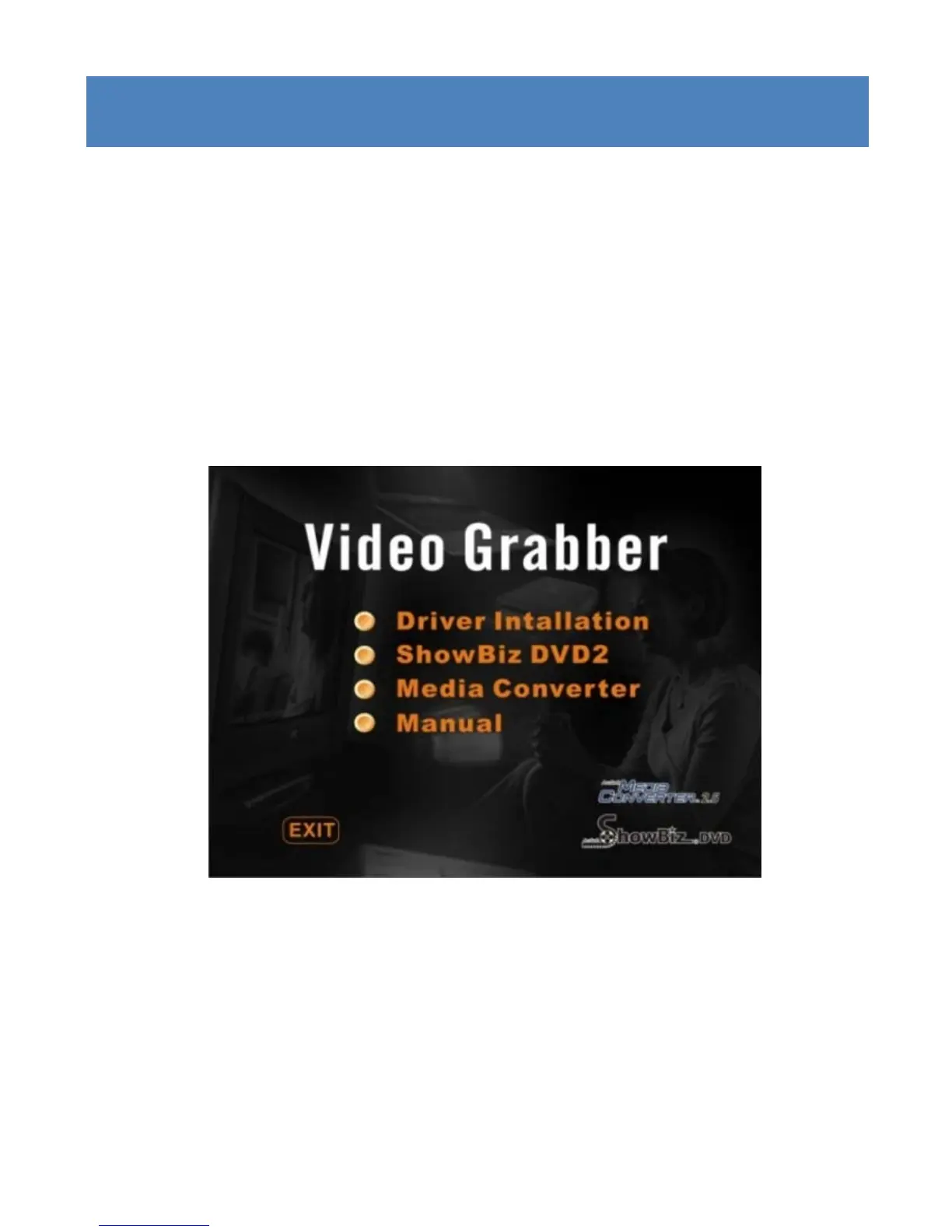
Step 4: After your computer has restarted, it will now be
necessarytoinstallthe‘ShowBizDVD2”softwarebeforeyou
canstarttousethedevice.Todothis,goto“Computer/My
Computer”,doubleclickontheCD/DVDROMdriveicon.The
followingscreenwillappear.Youcanalsoejectthe
Discand
reinsert into the drive to make this screen reappear. Select
the‘ShowBizDVD2’option.
AttheendoftheinstallationoftheShowBizDVD2software,
there may be a software prompt message asking you to
installMicrosoftVisualC++2005SP1Runtimelibraries.Ifso
prompted,clickon“YES”toinstallthesefiles.



 To Next Page