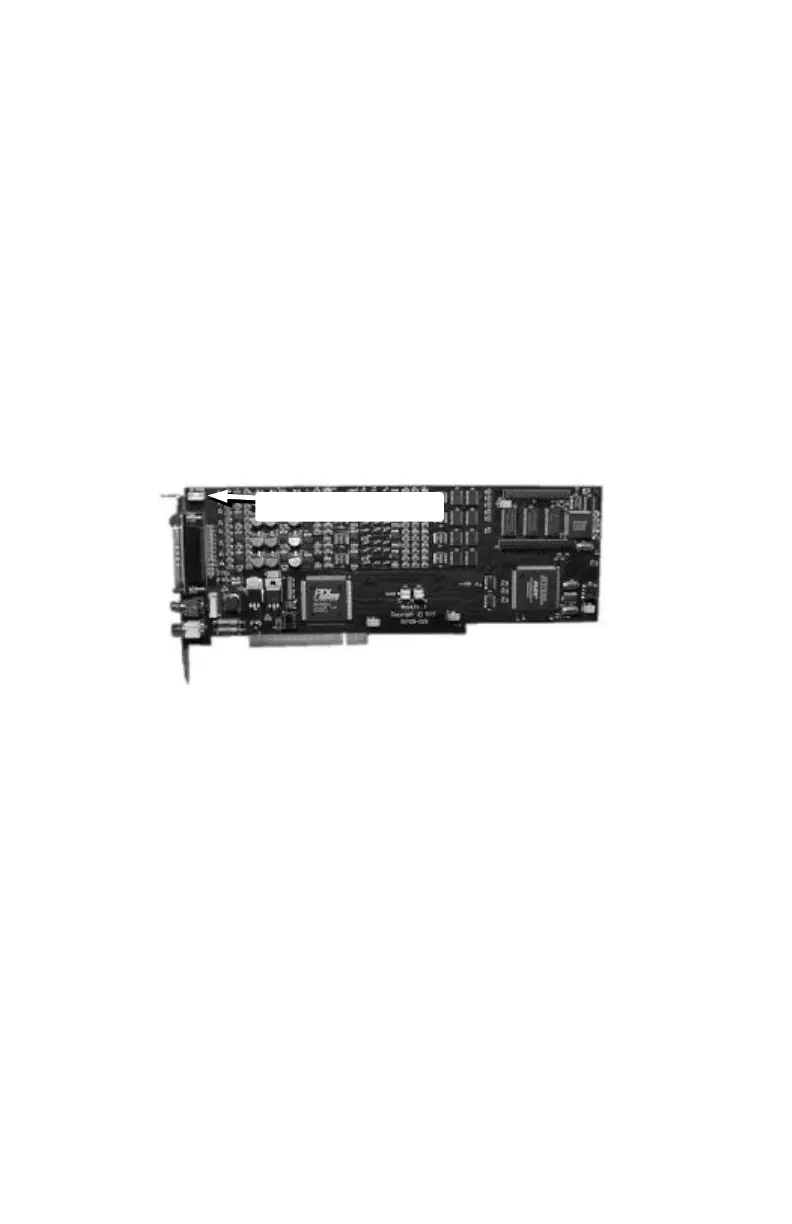
connect CD-audio here
CONNECTING CD-AUDIO TO THE WAVEPRO CARD
The WavePRO cards also provide an internal connection jack to allow
you to run the audio from a CD-ROM drive to interface inputs and
outputs. The cable that runs from the CD-ROM drive to the jack on
the WavePRO card is usually provided with the CD-ROM drive (it's not
included with the WavePRO). The connector jack on the WavePRO
cards is compatible with standard SoundBlaster®-type connections.
When connected, the audio from the CD-ROM drive is routed to the
WavePRO input channels. On the Wave/424 and Wave/496, it's routed
to input channels 3 & 4. On the Wave/824, it's routed to input
channels 7 & 8.
To output the CD-audio from WavePRO interface, you must
turn on the monitoring feature.
7



 To Next Page