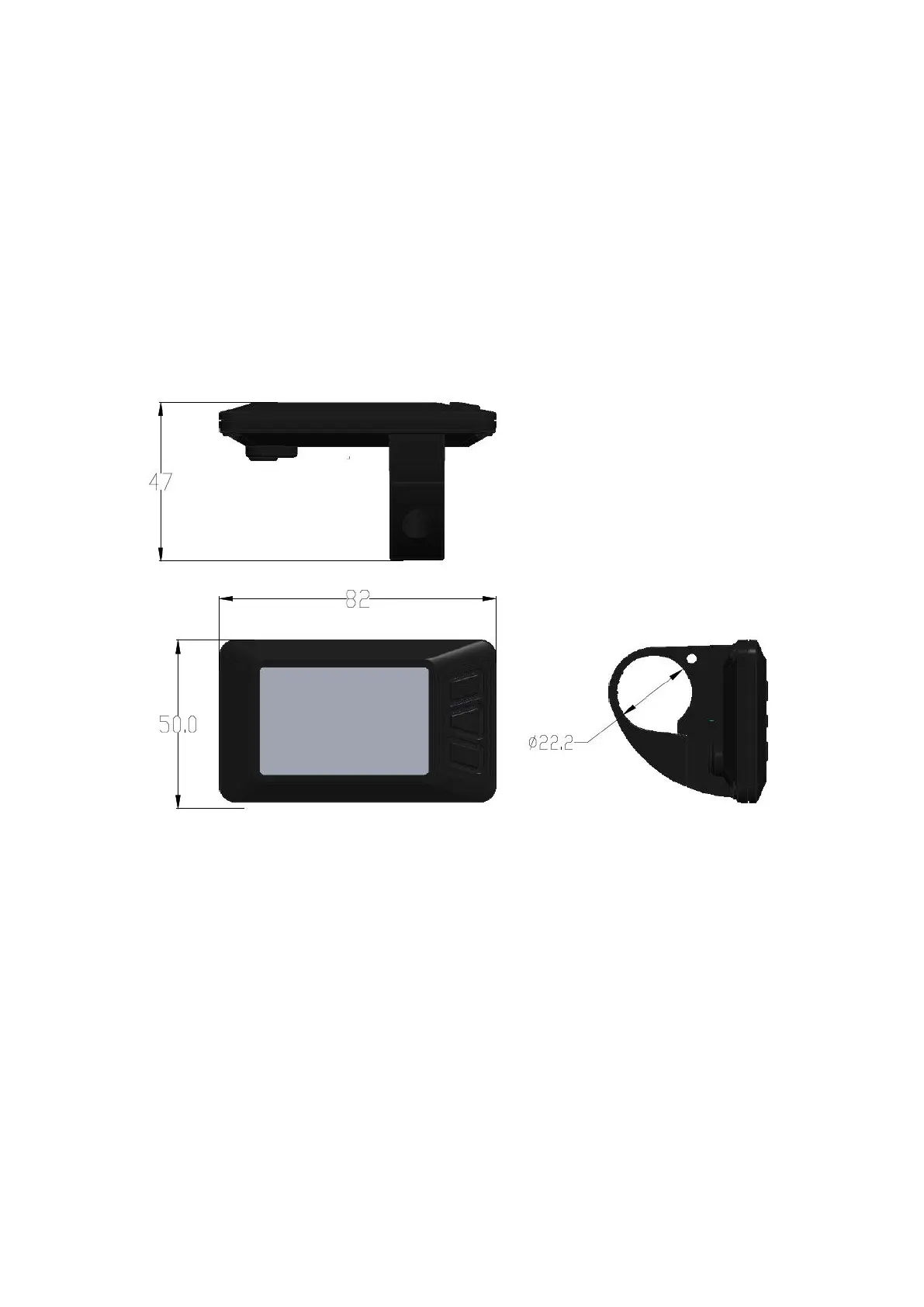
1. Material&Dimension
1) Material
Caser and Cover and Press button: ABS,
LCD window: PMMA
2)Outside and mounting dimension(mm)
3) Installation
●
Install the display in the middle of handlebar, then adjust
to suitable angle, install the press button to left side ofhandlebar.
●
Power off the device, connect the device to controller.
●
Power on


 To Next Page