Cancelling a phone number
Delete phone numbers from the phone list.
Parameter descripon
<INDEX> ... Number from 1 to 5. If the parameter is not
(oponal) is given, your own phone number will be
removed from the phone list.
Without parameters
Deletes the phone number sending this SMS command.
from the Fence Control's phone list.
If you want to send any more SMS commands, you need to log in again.
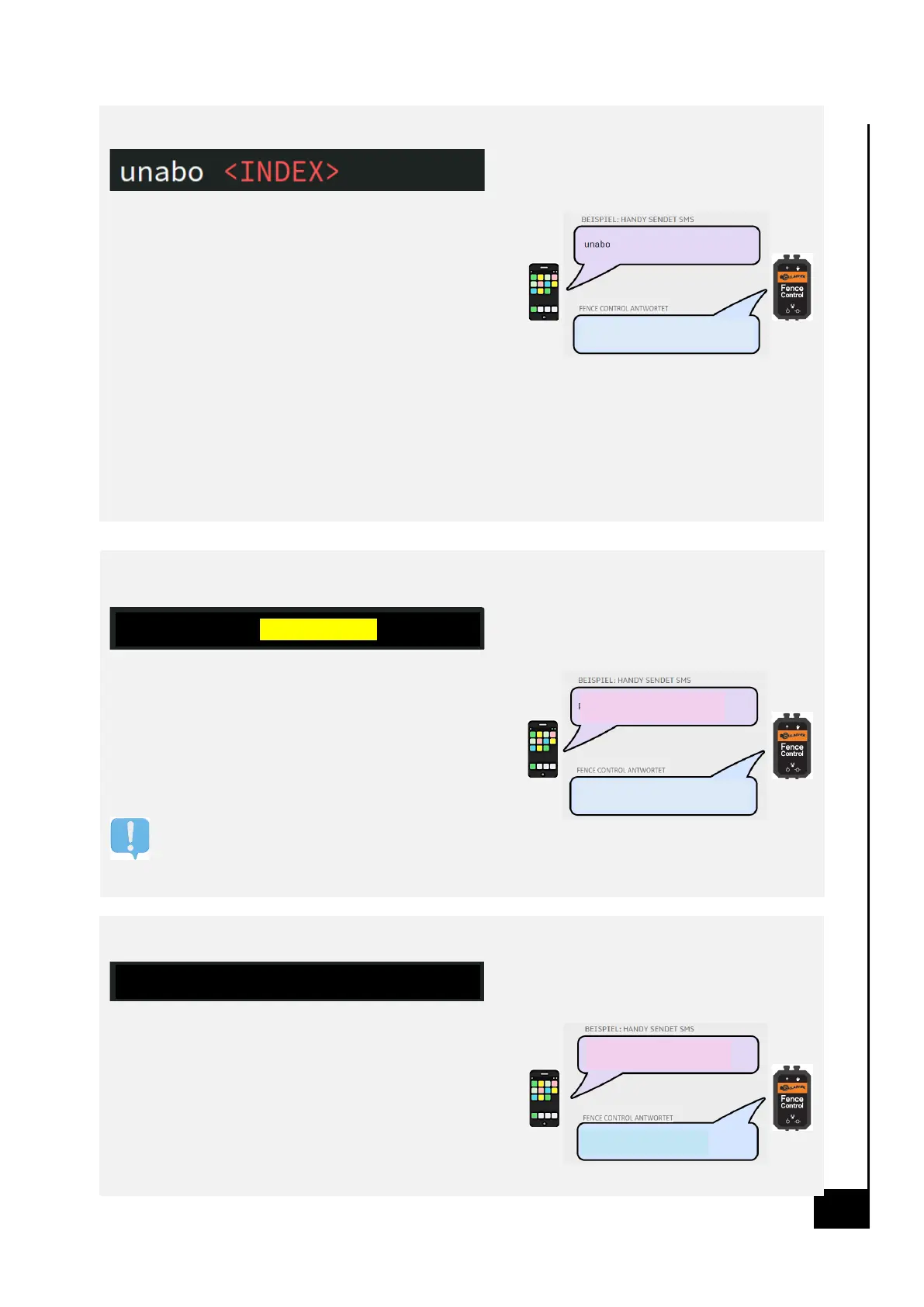
unabo <INDEX> (administrator only)
Deletes the phone number with the index <INDEX> from the phone list.
Changing the security PIN
Assignment of a new security PIN. Small and
capital leers and numbers can be used. This PIN
is also your password in the Fence Control web.
Parameter descripon
<PIN> ... alphanumeric password of 4 to 15 digits
For safety reasons, it is recommended,
your PIN aer the rst login with the
change the "pin new" command.
Assign a name to your Fence Control
Gives the Fence Control a name as a prex. From now on, all
SMSs of the Fence Control will have the prex <NAAM>. Useful to
keep an overview when using mulple Fence Controls.
Parameter descripon
<NAME> ... alphanumeric text of up to 20 characters
Congure warning threshold fence voltage


 To Next Page
 Loading...