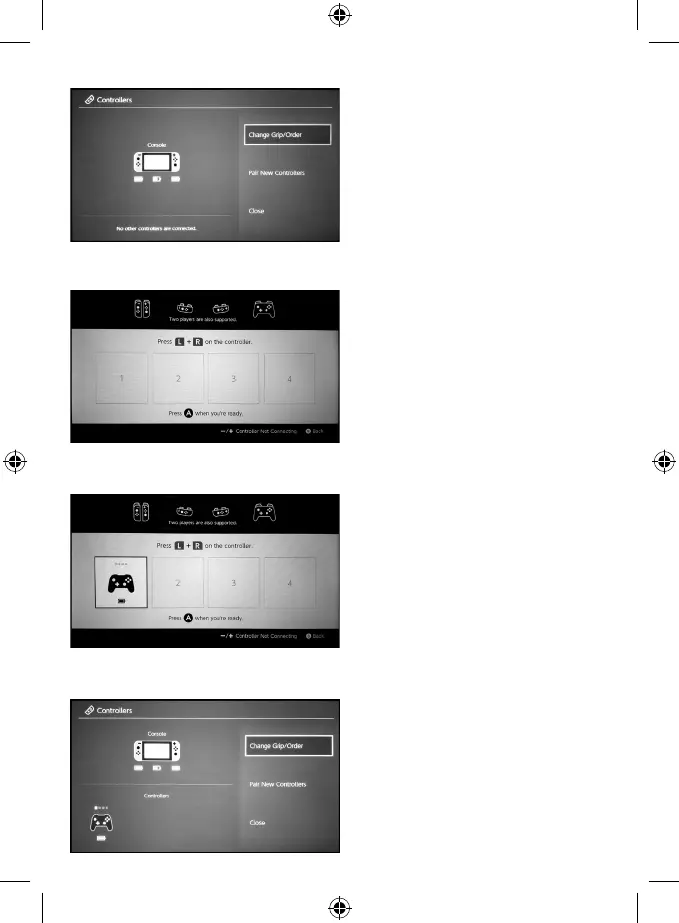
6. You will see the image of a controller on the page. Once connected, it will be displayed on the “Grip/Order” page.
**Note: Once the connection is made, only the rst LED light (the furthest to the left) will be on.
7. Lastly and most importantly: press A to complete the connection process. After this, the Switch console will go back
to the “Controllers” page and you are all set!
5. After entering the “Change Grip/Order page”, press and hold the HOME button for 5 seconds to search and sync.
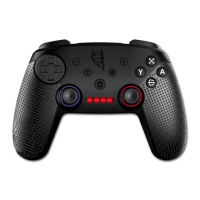
**Note: The controller’s 4 Led indication lights will be ashing fast while searching is in progress.
4. After entering the “Controllers” page, click “Change Grip/Order”. (joycon)


 To Next Page