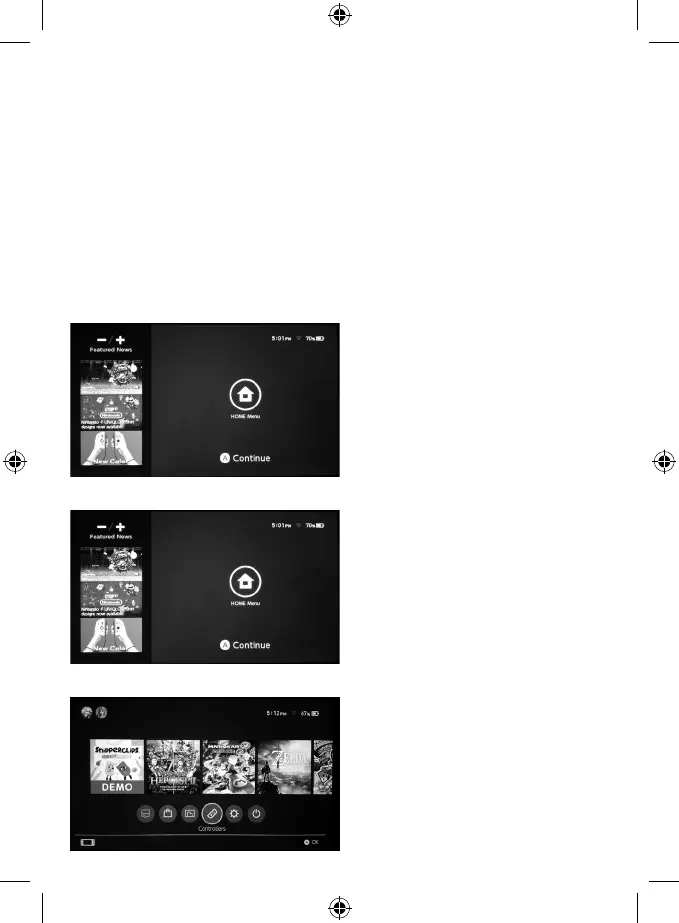
How to connect the controller to the console and how to start a game:
1. When connecting the device for the rst time, please go to(with Joycons) “Controllers” page, click
“Change Grip/Order” and follow the instructions below:
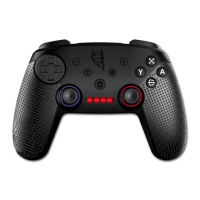
A) To detect and match the controller, hold the HOME button for 5 seconds; all LED Indicators
will blink quickly.
B) When LED Indicator 1 is lit up and steady, matching is successful.
2. When connecting the device a second time or more, simply hold the HOME button to turn
the controller on and it will get automatically connected.
3. To enter a game: Press HOME to enter the game menu. Choose a game that you have
already played. Press A to start a game.
4. To turn the controller off: Hold the HOME button for 10 seconds.
Connection Instructions:
1. Press the Power button to turn the Switch console on (joycon).
2. Press A or the HOME button to enter the main menu (joycon).
3. Choose “Controllers.” (joycon)


 To Next Page