1312
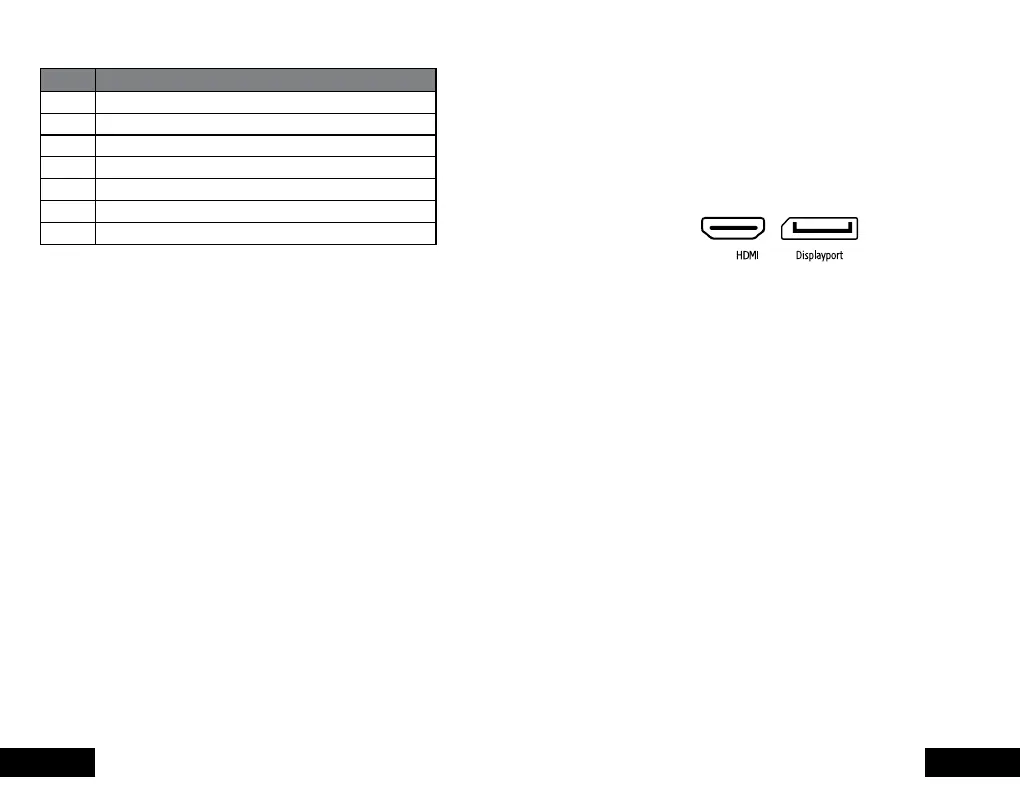
Number Name
1 TN panel
2 Post
3 VESA system
4 HDMI
5 Displayport
6 Multifunction MENU / On / O / Buon
7 Current input
INSTALLATION
1. Connect the Displayport or HDMI cable from your
computer to the corresponding port on the back of
the monitor (4/5).
2. Connect the power supply cable to the monitor.
3. On: Press the power buon to turn on your monitor.
4. Power o: Press the power buon to turn o your
monitort.
When the monitor is operating under normal
conditions, the LED indicator light will be green (or
blue); If the monitor is in power saving mode, the LED
indicator light will be red. When the power indicator is
o this means that the monitor is in o mode. Please
disconnect the power cable when the monitor is not
being used.


 To Next Page