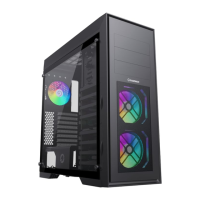
A: Remove the side panels and front panel.
B: Install the power supply (PSU).
C: Install the motherboard (MB).
D: Install the fans.
E: Install the hard-disk drive (HDD).
F: Install the solid-state drive (SSD).
G: Install the graphics card (VGA).
Please make sure that the PSU ventilation slots and threaded
holes are positioned correctly in relation to the chassis.
Please remove the screws before
removing the side panels.
Please remove the side panels before
removing the front panel.
Screw the iron screws, use the provided
standoffs and screws to secure the
motherboard
INSTALLATION GUIDE
ATX
ITX
M-ATX
INSTALL THE POWER SUPPLY (PSU)
CopyRight @ 2025.02

 Need help?

 To Next Page
 General