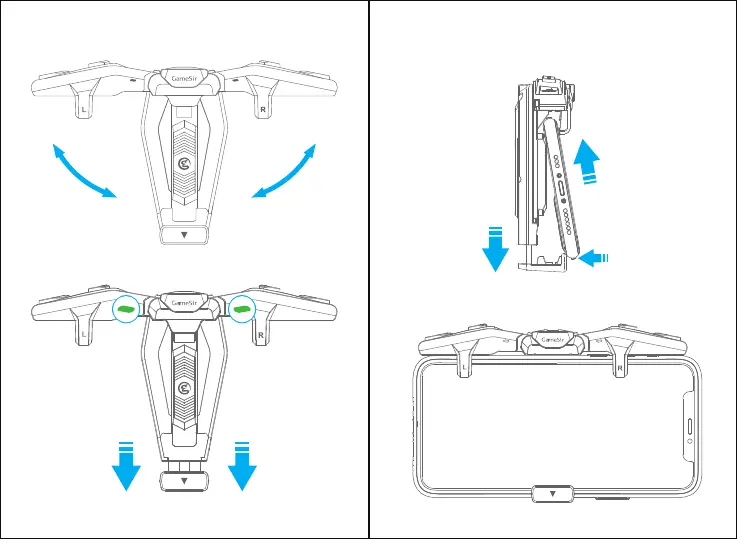
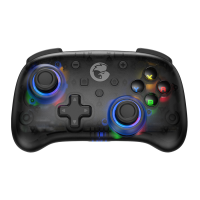
a. Unfold the double wings.
b. Slide the one side of the mobile phone under the touchpoint first,
then pull the lever and set the other side down.(Ensure the Power
button of the mobile phone faces down)
c. Fix the mobile phone on the center of the F4 controller, release the
lever slowly, and ensure the F4 controller fits the mobile phone.
1
2
Power button


 To Next Page