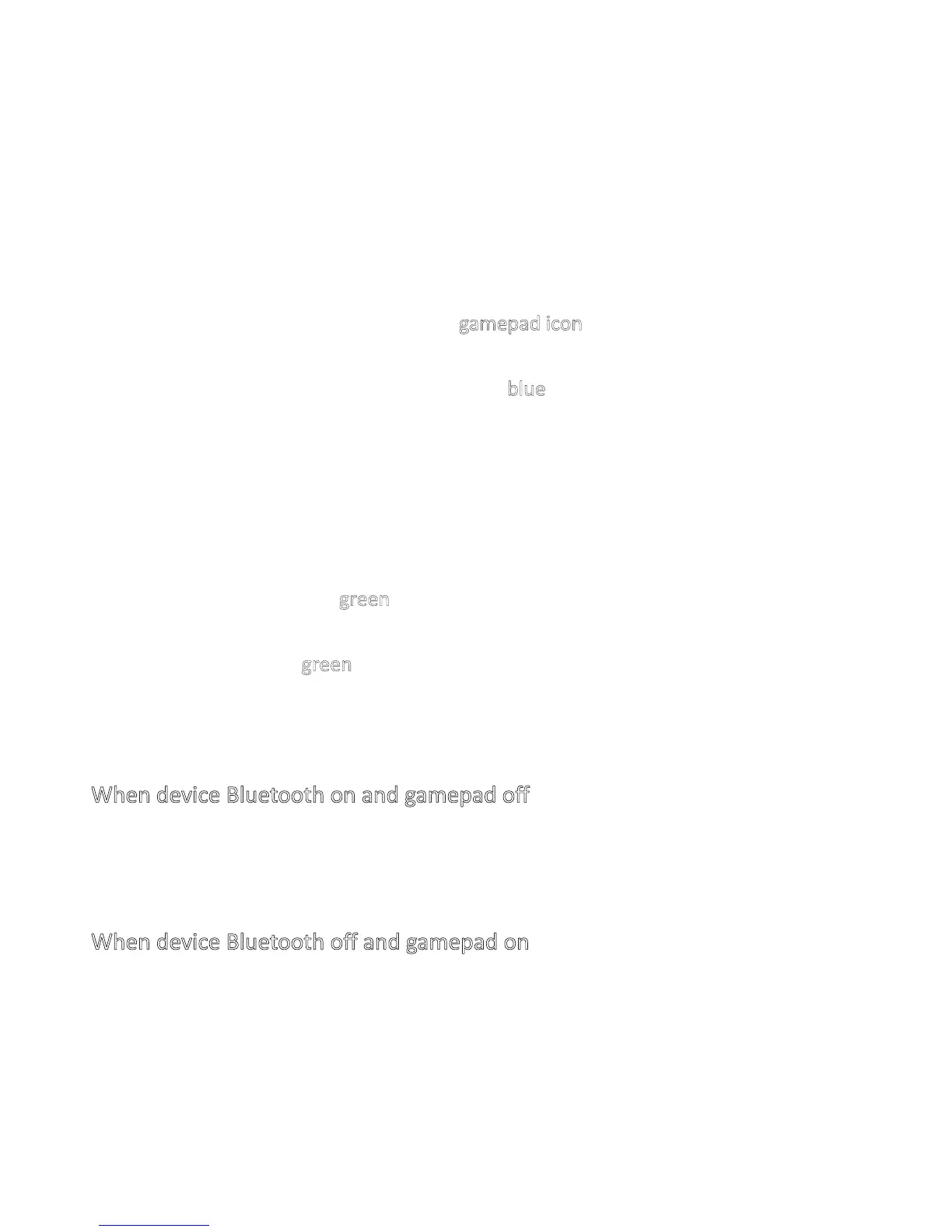
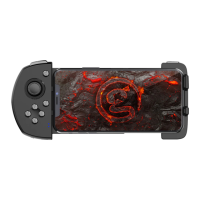
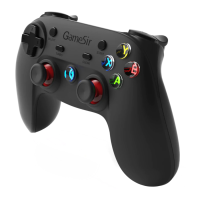
※Gamepad Connection
Android Platform
Bluetooth GCM connection
(Use for Happy Chick on smart phone, Android tablet
and smart TV)
a.Press HOME buon for 2 seconds to start the gamepad.
b.Open the Bluetooth on Android device.
c.Install and launch the Happy Chick,click gamepad icon to enter gamepad paring
interface.
d.Choose”Fast connect”. When “HOME” keeps blue light on means connect
successfully.
Bluetooth HID connection
(Mainly use for playing android game on smart phone,
Android tablet and smart TV)
a.Open the Bluetooth on Android device.
b.Press A+HOME buon for 2 seconds to start the gamepad.
c.HOME indicator light turn green and flashes.
d.You can find “Gamesir-G4s” on the Bluetooth matching list of your Android device.
e.When “HOME” keeps green light on means connect successfully.
※
Auto Reconnection
When device Bluetooth on and gamepad off
Press HOME buon for 2 seconds to start gamepad, the gamepad will reconnect with
device automacally.
When device Bluetooth off and gamepad on
Open the Bluetooth on device, the gamepad will reconnect with device.


 To Next Page