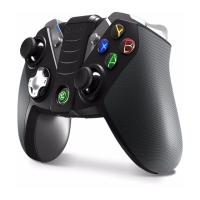
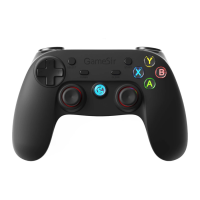
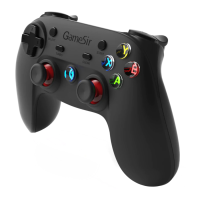
※TURBO Function Introduction
TURBO is semi-automac, it can create one or more connuous buon press.
Setting Method
Press one or more buons (excluding D-pad, joyscks, SELECT, or START buons), and
then press " TURBO " buon to set TURBO funcon.
Clear TURBO
press the " CLEAR " buon to clear the TURBO.
Function
TURBO is used more in shoong games. Your fingers would easily get red if you
connuously press the same buon (shoong buon). With the TURBO, you can
connuous shoot by holding the shoong buon.
※Wired connection method
Connect the gamepad according to above instrucons, the gamepad enters wireless
pairing mode first, and connect with device by USB cable. (Androiddevice should
support OTG funcon if you want to use wired connecon)
When device Bluetooth off and gamepad off
Open the Bluetooth on device, press HOME buon for 2 seconds to start the gamepad,
the gamepad will reconnect with device automacally.


 To Next Page