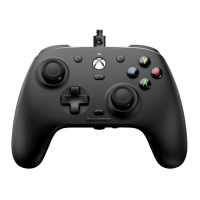
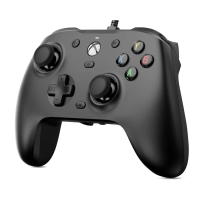
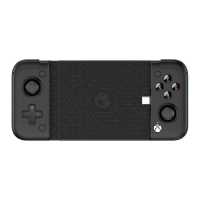
Product Feature:
• Bluetooth & 2.4G wireless connection for PC or Android
TM
de-
vice
• Wired & wireless dual mode with super low latency
• Support with Xinput, Dinput modes
• Compatible with PC Windows
TM
7 / Vista / 8 / 10
• Compatible with Android
TM
4.0 +
• Compatible with Steam
TM
OS
• Compatible with Xbox One
TM TM
streaming to Windows 10
• Smart Firmware upgrade
• Vibration feedback & enhanced trigger button for precise con-
trol
• Accurate analog sticks, large responsive D-pad
• Comfort grip for longer play time
• Includes 3m long USB data Cable
2.4Ghz Wireless Instruction:
1. Remove the battery cover at the back of the controller,
follow the battery contact indication to install rechargeable
batteries
2. Store battery cover for future use with AA batteries if re-
quired
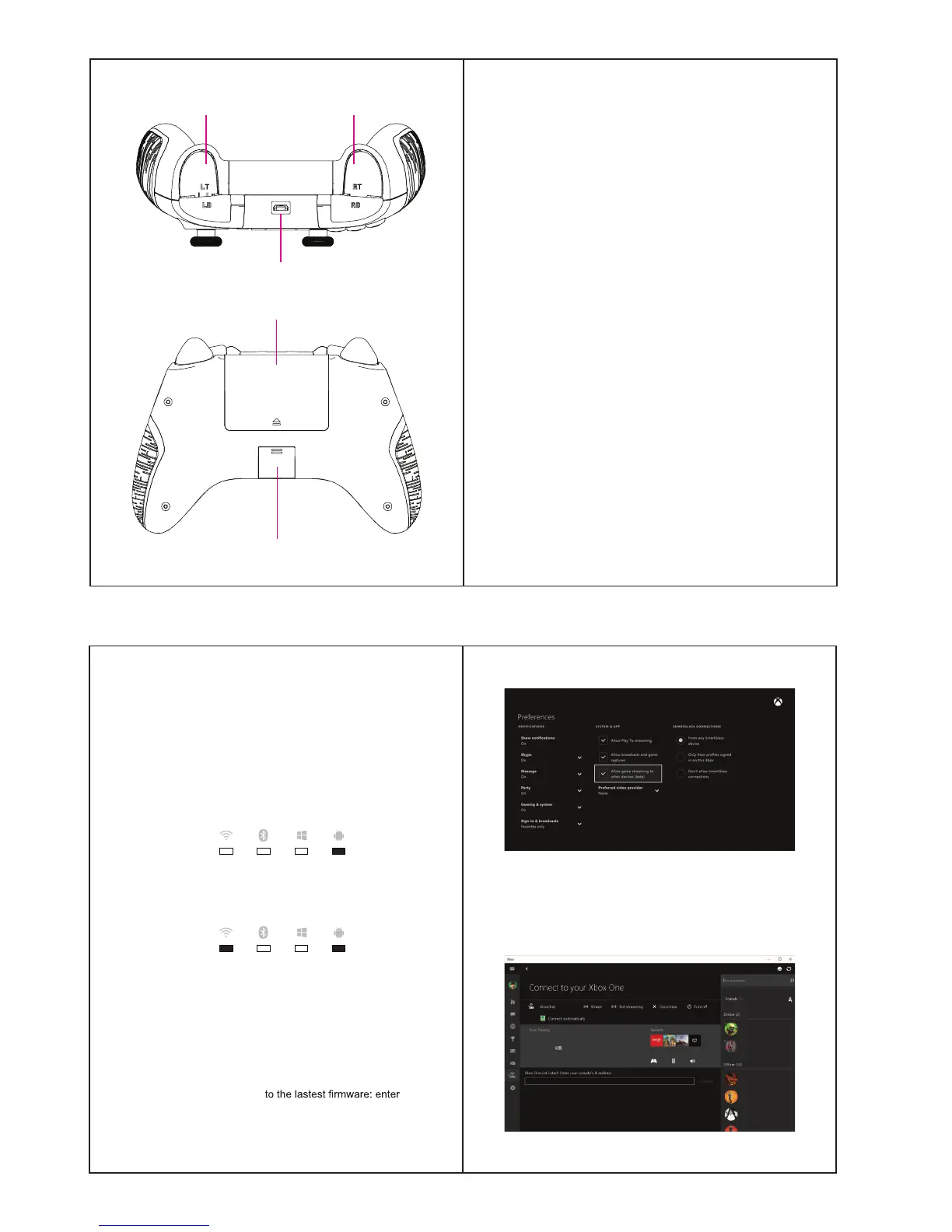
LT / LB RT / RB
Micro-USB Data Port
Battery Cover
Wireless Dongle Cover
PC (Windows
TM
XP) Instruction:
1. Download and install the controller driver
Download URL:
https://www.microsoft.com/hardware/en-us/d/xbox-360-controller-for-win-
dows
2. WIRED: Insert the USB head of USB cable into the USB
port of PC: default mode is XINPUT, the LED will remain ON
when successfully connected
3. 2.4G WIRELESS: Insert the USB dongle into the USB port
of PC, default mode is XINPUT, the LED will remain ON
when successfully connected
4. Enter the “Game Controllers” of Control Panel to test each
button
5. Start Games (please switch to DINPUT mode if the game
does not support the XINPUT mode)
Xbox One
TM
Streaming Games to Windows
TM
10:
1. Upgrade the Xbox One
TM
-
ing Settings > Preferences, and enable the “Allow game
streaming to other devices”
2. Upgrade Windows
TM
10 to the latest version
3. Start the XBOX APP in Windows 10, login using same ac-
count details as your Xbox One console
unem tfel eht morf ”detcennoC“ eht kcilC .4


 To Next Page