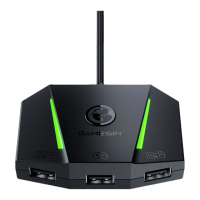
Note: Please replug the USB cable from your game console if VX AimBox doesn't work. Note: Please replug the USB cable from your game console if VX AimBox doesn't work.
Indicator Explanation
phantom cycle Default light eect
Green ashes 3 times Recognize to Xbox One mode
Indicator Explanation
phantom cycle Default light eect
Green ashes 3 times Recognize to Xbox Series mode
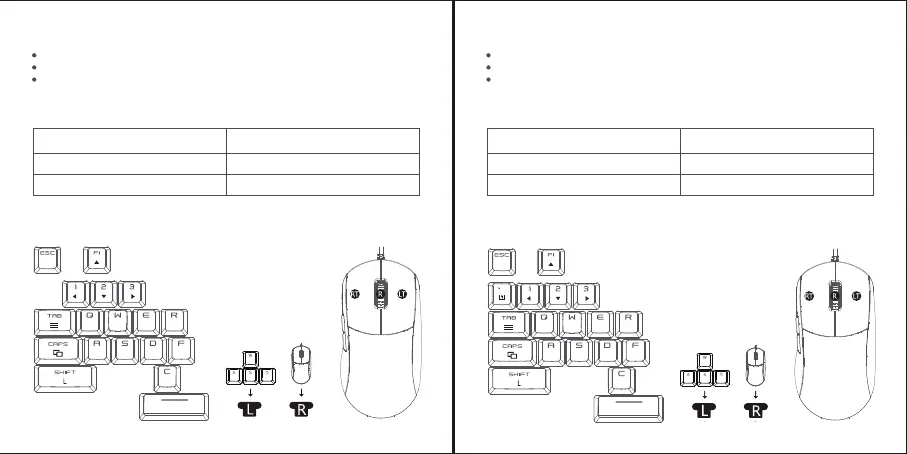
Xbox one KEY VALUE DIAGRAM
CONNECT TO Xbox One
Connect the ocial Xbox One game controller to the controller connection interface
Connect the keyboard/mouse to the keyboard/mouse interface
Connect VX AimBox to the USB port of Xbox One through the USB plug. After the VX
AIMBOX is turned on, the indicator light defaults to a phantom color cycle. When the
indicator light ashes green 3 times, it means that the recognition is successful and
can be controlled.
HOME
LB
RB
X
Y
B
A
Xbox Series KEY VALUE DIAGRAM
CONNECT TO Xbox Series
Connect the ocial Xbox gamepad to the controller connection interface
Connect the keyboard/mouse to the keyboard/mouse interface
Connect the VX AimBox to the USB port of Xbox Series through the USB plug. After
the VX AimBox is turned on, the indicator light defaults to a phantom color cycle. When
the indicator light ashes green 3 times, it means that the recognition is successful and
can be controlled.
HOME
LB
RB
X
Y
B
A


 To Next Page
 Loading...