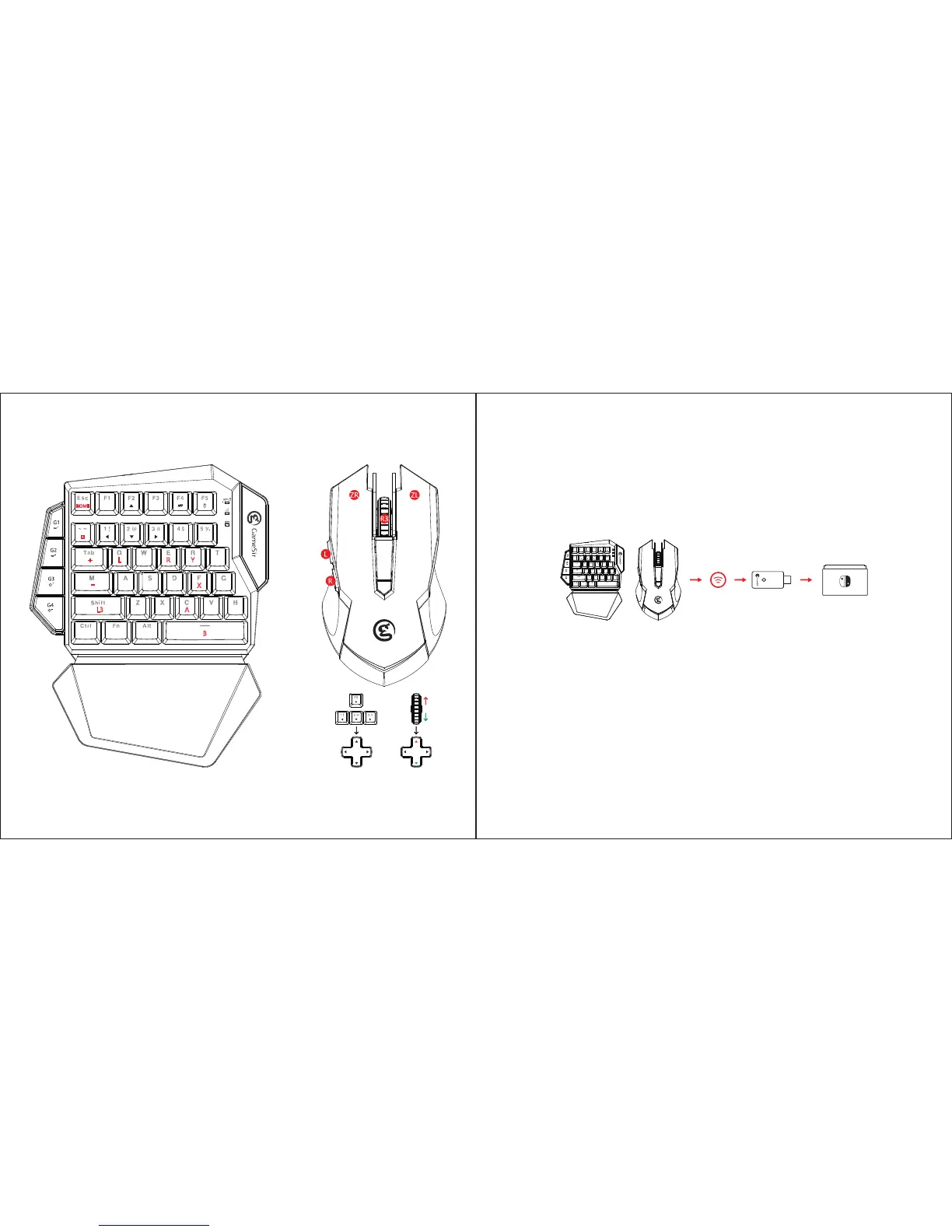
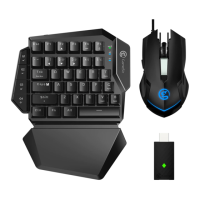
a. Power on GameSir VX gaming keypad. The LED indicator light ashes in green, GameSir VX gaming keypad
is ready to be connected.
b. Plug in GameSir GM190 gaming mouse into the USB port of GameSir VX gaming keypad.
c. Open System Settings turn on pro controller wired communication.
d. Plug in Agility X 2.4GHz wireless dongle into the USB port of Nintendo Switch. The indicator lights of gaming
keypad and Agility X 2.4GHz wireless dongle stay green.
e. Press FN and number 5 key of GameSir VX gaming keypad simultaneously to connect to Nintendo Switch.
The indicator light stays red.
Connect to Nintendo Switch
L+
HOME
L3
R Y
X
-
A
B


 To Next Page