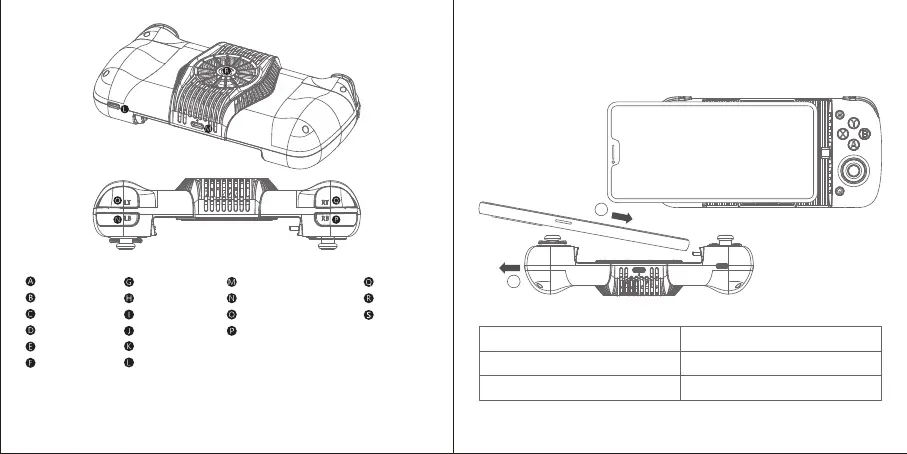
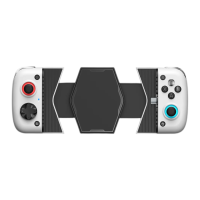
1. Insert the phone’s Type-C port into the controller’s one.
2. Pull the left side of the controller to fix the phone on it. LED 1 is solid blue to
show a successful connection.
INSTALL THE PHONE
1
2
*Only some Android phones are supported pass-through charging. Not all Android
phones are supported.
Left Thumbstick
D-Pad
Capture Button
G Button
LED 1
LED 2
S Button
ABXY Buttons
Right Thumbstick
HOME Button
Type-C Port (To connect the phone)
Type-C Charging Port* (For phone)
Type-C Port (For cooler)
LB Button
LT Button
RB Button
RT Button
Cooler
Cooling Area
2 3
LED 1 Description
Blinking blue
Solid blue Connected
Connecting


 To Next Page