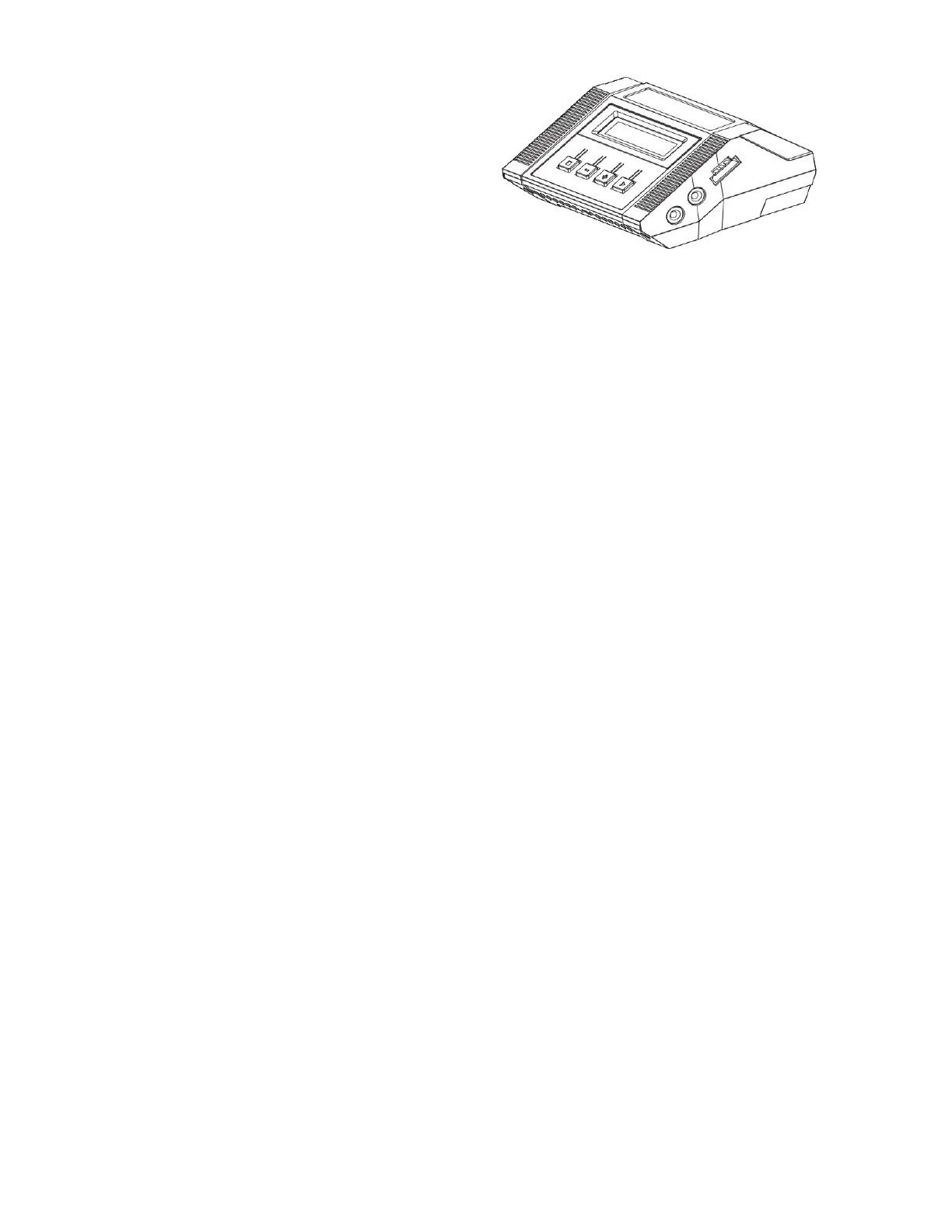
Charging the Battery
Gannet has supplied a smart charger with the
Gannet Pro / Pro+Drone.
ese chargers can charge dierent types of
batteries including Lead-acid, Lithium Iron
Phosphate (LiFe), Lithium-Ion (LiIo) and
LithiumPolymer (LiPo) etc. It is important to
choose the correct battery type. Using the wrong
battery type will damage your battery and could
cause the battery to catch on re.
e batteries used in the Gannet Pro / Pro+ is a LiHV battery. LiPo Batteries should not be le
unattended with charging. Place the LiPo battery on a concrete oor or a metal tray when
charging. Some people charge LiPo batteries inside a metal container.
Read the manual for the battery charger.
Before connecting the battery ensure you set up the charger to the correct settings for the bat-
tery.
Battery Type
• Choose - LiHV
Program
• Choose - Balance Charge for charging to 100% fully charged.
• Remember to plug the Balance cable in
• Choose - Battery Storage for storing the batteries for a week or more.


 To Next Page