EasyManua.ls Logo

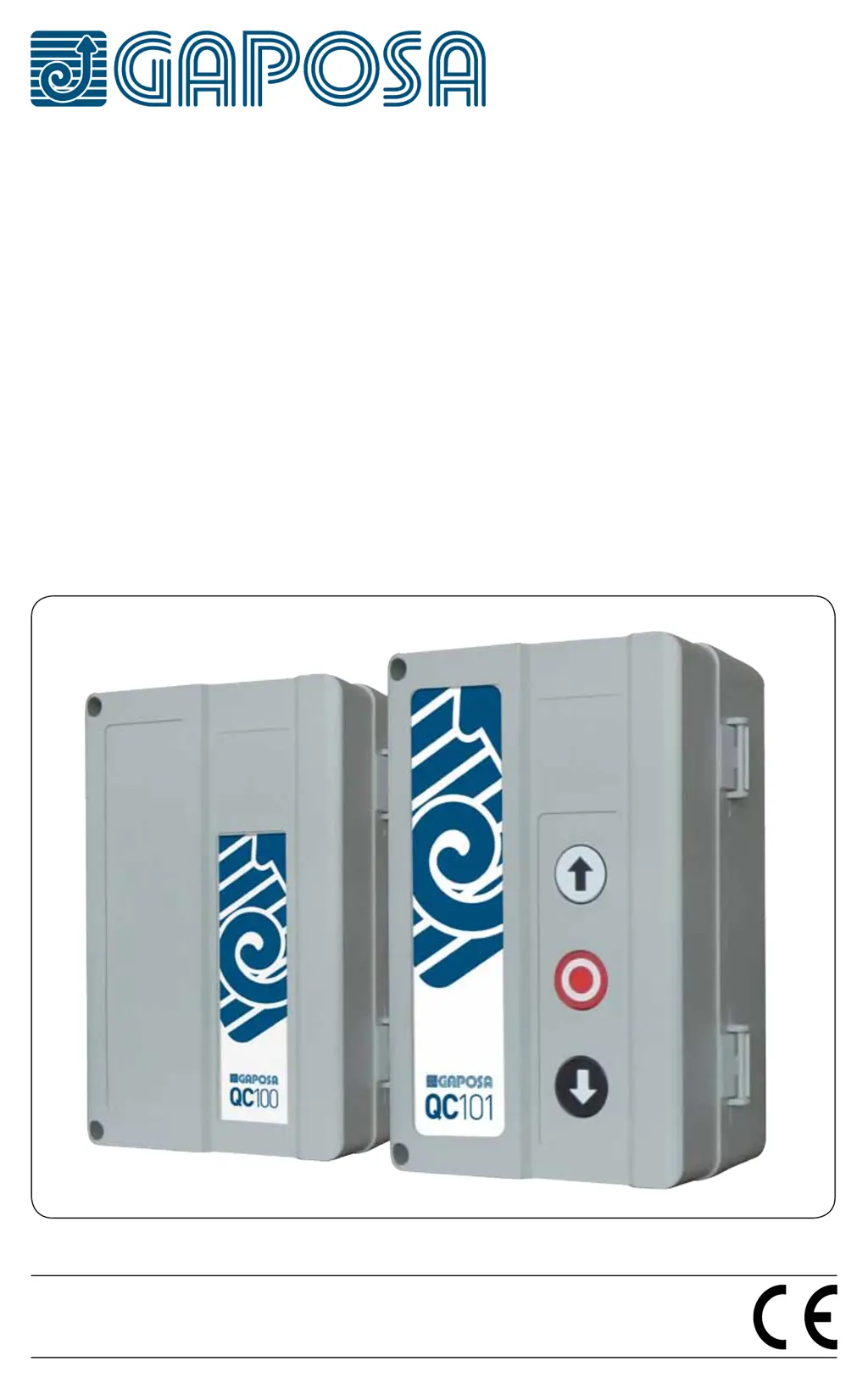
GAPOSA QC100 - User Manual

GAPOSA QC100
16 pages
Print Icon
To Next Page IconTo Next Page
Loading...
Made in Italy
QC100 | 101
230 V~
SINGLE-PHASE CONTROL UNIT

Other manuals for GAPOSA QC100

Questions and Answers

  • A
    Anthony DeanAug 11, 2025
    Why is the LED switch on steadily on my GAPOSA QC100?
    • J
      Jeff McneilAug 12, 2025
      If the LED switch on your GAPOSA Control Unit is steadily lit, it indicates an incorrect DIP switch setting. To resolve this: 1. Set all DIP switches to the OFF position. 2. Wait for 5 seconds. 3. Set the DIP switches to your desired configuration, following the provided instructions.
  • M
    Michelle CochranAug 18, 2025
    What to do if my GAPOSA Control Unit shows 8 flashes?
    • M
      Michael PerezAug 18, 2025
      If your GAPOSA Control Unit is showing 8 flashes, check the following: * Power supply * Overload output 12V (terminals 9-3) * Overload output 24Vac (terminals 11-12)
  • C
    Charles MartinezAug 27, 2025
    What to do if my GAPOSA QC100 shows 2 flashes?
    • T
      Tracy MillerAug 27, 2025
      If your GAPOSA Control Unit shows 2 flashes, check the safety device connections and verify the safety activation.
  • C
    Cynthia BradleySep 3, 2025
    How to fix 1 flash on GAPOSA QC100 Control Unit?
    • D
      Derrick MartinSep 3, 2025
      If your GAPOSA Control Unit is showing 1 flash, check the stop button connections.

GAPOSA QC100 Specifications

General IconGeneral
BrandGAPOSA
ModelQC100
CategoryControl Unit
LanguageEnglish

Related product manuals