To connect via ethernet cable (recommended):
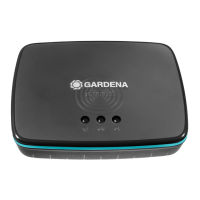
1. Connect the Gateway with the provided network cable to your router.
The software for your Gateway is now being updated. This process can
take up to 15 minutes (depending on your Internet connection).
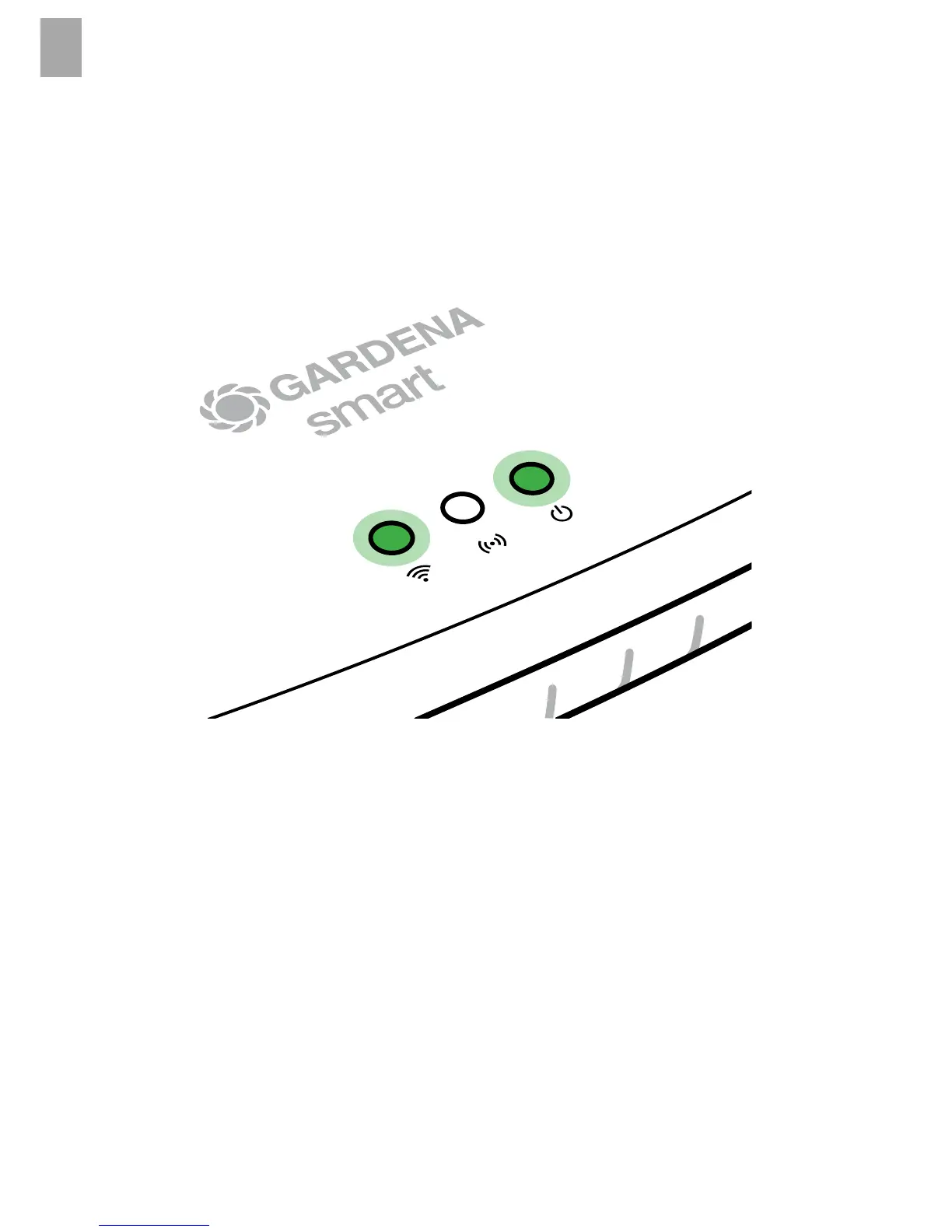
Once the Internet-LED and the Power LED illuminate green permanently,
the Gateway is up to date. It can now be included in the App.
2. Download the GARDENA smart system app from the Apple App Store
or the Google Play Store.
3. Follow the instructions in the App.
8


 To Next Page