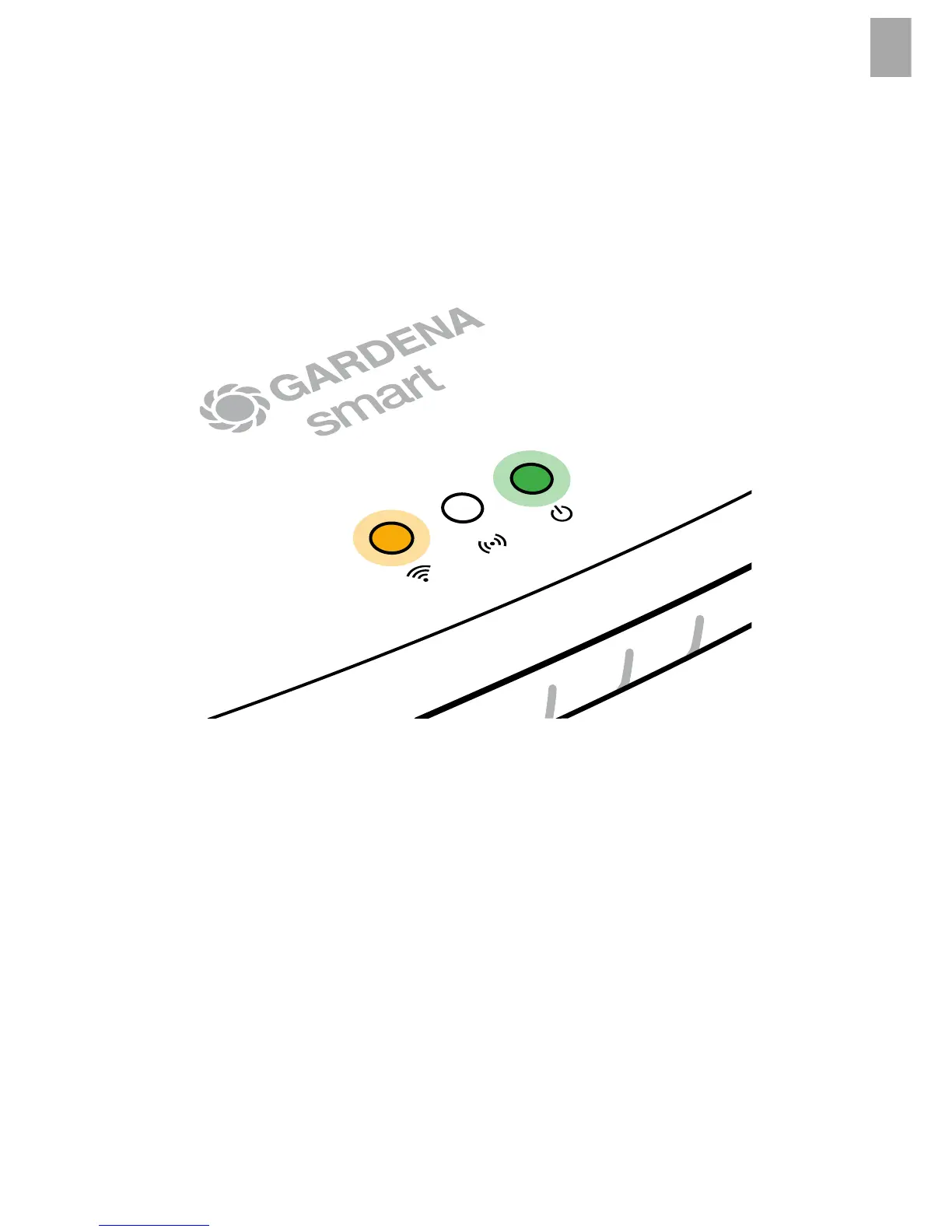
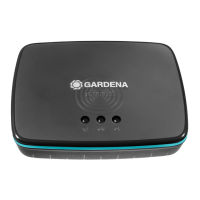
To connect to a Wi-Fi network:
If the Gateway is neither connected to the router via a LAN cable nor
integrated into another Wi-Fi network, the Gateway automatically provides
a configuration network after approx. 1 to 2 minutes after startup.
The configuration network is activated as long as the Internet LED
permanently illuminates yellow.
The configuration network remains active for 15 minutes. After the
15 minutes have elapsed (or if the Gateway was previously configured
to another Wi-Fi network that is no longer available), the configuration
network can be reactivated by briefly pushing the reset button
7
.
9


 To Next Page