To configure the Wi-Fi network with an iOS device (iPhone, iPad):
Wait until the Internet LED illuminates yellow permanently (the configuration
network is activated).
1. Open the Apple Home App (this is located by default on your
mobile iOS device).
2. Select “Add accessory”.
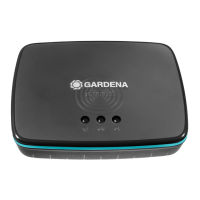
3. Scan the HomeKit label on the bottom side of the Gateway.
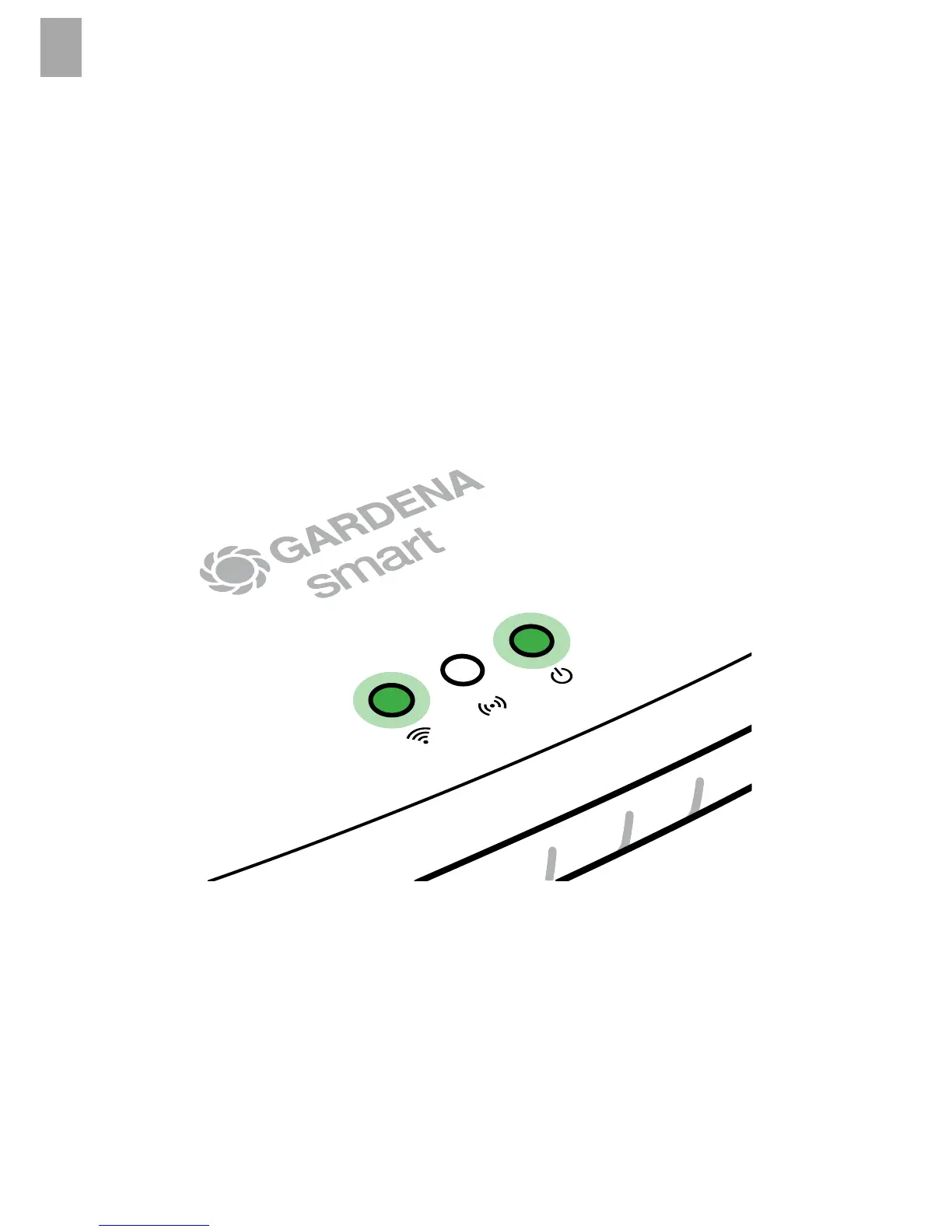
4. Wait until the Internet LED illuminates green permanently.
The software for your Gateway is now being updated.This process
can take up to 15 minutes (depending on your Internet connection).
Once the Internet LED and the Power LED illuminate green permanently,
your Gateway is up to date. It can now be included in the App.
5. Download the GARDENA smart system app from the Apple App Store.
6. Follow the instructions in the App.
10


 To Next Page