GB
13
Rotate cutting unit
through 90°:
Connecting the Hedge
Trimmer:
3. Operation
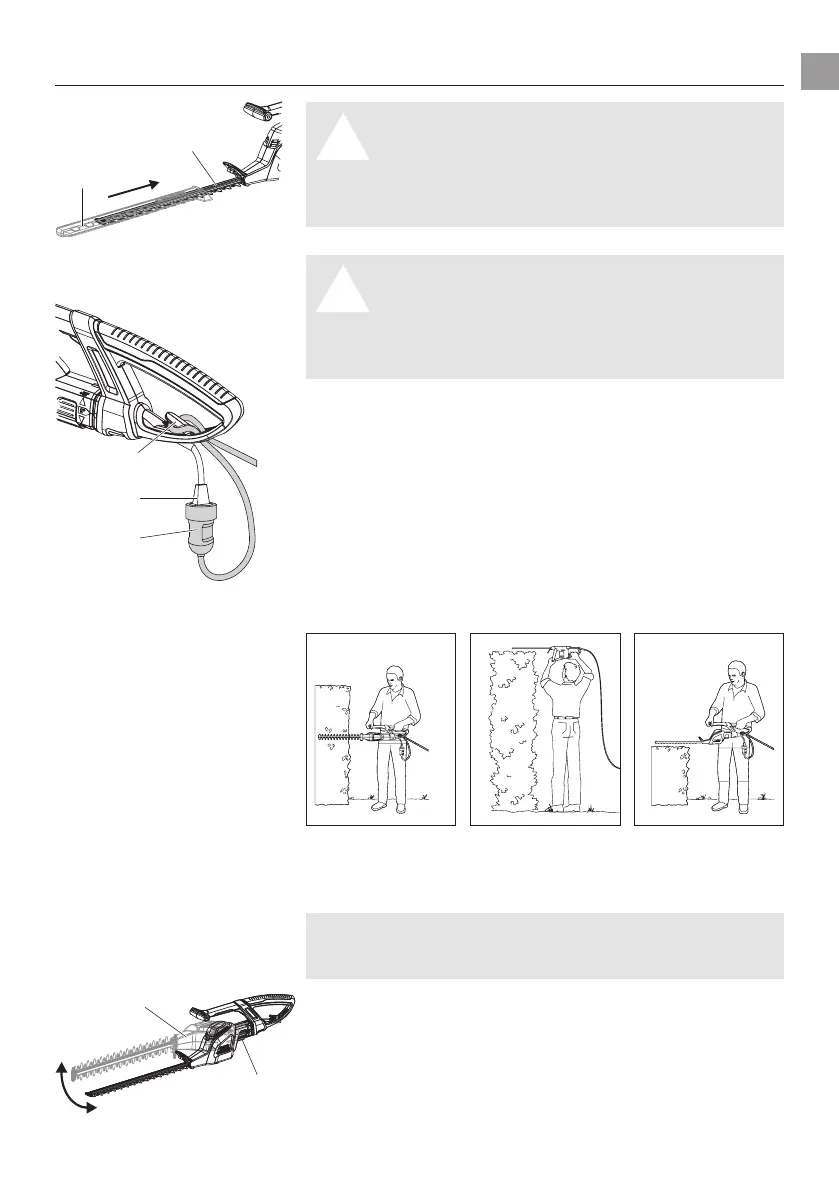
DANGER ! Risk of physical injury!
A
V Always disconnect the extension cable
4
from
the mains and slide the protective cover
1
over
the trimmer blade
2
before connecting.
V Never take hold of the protective cover
1
when
connecting the hedge trimmer.
DANGER ! Risk of electric shock!
A
To avoid damage to the the mains cord
3
the
extension cable
4
must be inserted into the cable
lock
5
.
V Always insert the extension cable
4
into the
cable lock
5
1. Loop the extension cable
4
,
insert the loop into the cable
lock
5
and pull tight.
2. Insert the plug of the mains cord
3
into the socket of the
extension cable
4
.
3. Plug the extension cable
4
into a 230 V mains power supply.
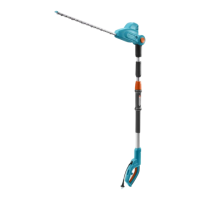
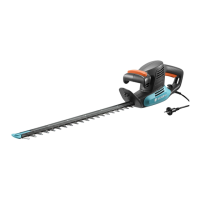
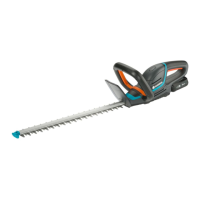
The hedge trimmer can be operated in 3 working positions.
Side trimming: High trimming: Low trimming:
Cutting unit in 0° position 0° position
90° position
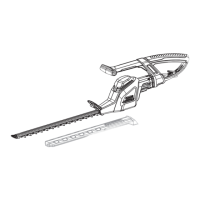
For sideways cutting, the cutting unit can be rotated through 90°.
The cutting unit
7
can be turned to the right or left for right-
handed or left-handed users respectively.
1. Disconnect mains plug.
2. Keep button
6
pressed.
3. Turn cutting unit
7
90° in the required direction until the
button
6
locks into place.
A safety device prevents the Hedge Trimmer from starting up when
the button
6
is pressed or not locked in 0° or 90° position.
Working positions:
2
1
4
5
3
6
7




 To Next Page