Need help?
Do you have a question about the Garderos R-7728 and is the answer not in the manual?
Details the various Garderos R-7700 router models available with different interfaces.
Lists the standard and optional items included in the delivery package for the router.
Instructions on how to mount the Garderos R-7700 router using its integrated DIN rail mounting clip.
Explains the importance and procedure for grounding the router for EMI compliance.
Details the function of the various status LEDs on the front of the Garderos R-7700.
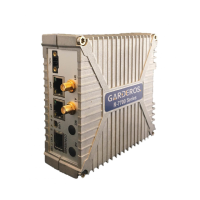
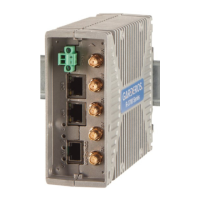
Describes the different connectors available on the front panel of the Garderos R-7700 router.
Steps for connecting antennas and Ethernet cables before powering on the router.
Instructions for safely inserting and removing SIM cards from the router, including tray details.
Procedure for powering on the router, emphasizing DC power connection and antenna requirements.
Details on how to connect via serial console and the default login credentials for the router.
Provides key technical specifications such as dimensions, weight, voltage, power consumption, and operating ranges.
Details Wi-Fi radio settings, TX-power configuration, and associated safety distance requirements.
Covers WWAN radio settings, including safety distance calculations based on frequency and modem type.
Information on warranty, CE conformity, and proper disposal procedures for the device.
 General
| Brand | Garderos |
|---|---|
| Model | R-7728 |
| Category | Network Router |
| Language | English |


 To Next Page