Need help?
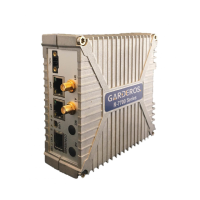
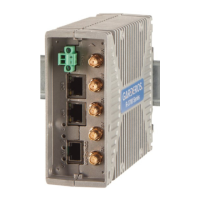
Do you have a question about the Garderos R-7758 and is the answer not in the manual?
Warning about hot surfaces operating above 70°C and precautions to prevent burns.
Details on connecting the DC power supply to the router, including voltage range and polarity.
Instructions for connecting antennas and Ethernet cables before powering on the router.
Procedure for inserting and removing SIM cards from the router, including slot usage and tray removal.
Instructions for correctly inserting a SIM card into the SIM tray and replacing the slot cover.
Steps to power on the router, including DC power connection and antenna requirements.
Details on connecting via serial console and default login credentials for the Garderos R-7700.
 General
| Brand | Garderos |
|---|---|
| Model | R-7758 |
| Category | Network Router |
| Language | English |


 To Next Page