EasyManua.ls Logo

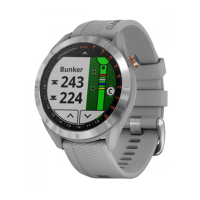
Garmin Approach S2 - Golfing Features; Playing Golf; Hole View

Garmin Approach S2
20 pages
Print Icon
To Next Page IconTo Next Page
To Previous Page IconTo Previous Page
Loading...
I I
Alarm
is
on.
Playing
Golf
Before
you
can
play
golf
,
you
must
wait
until
the
device
acquires
satellite
signals
,
which
may
take
30-60
seconds.
1
Hold
5 .
2
Select
Start
Round.
3
Select
a
course
from
the
list.
The
device
automatically
starts
on
the
hole
closest
to
your
present
location.
Hole
Vi
ew
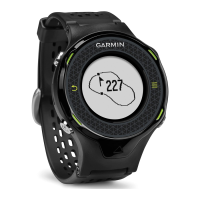
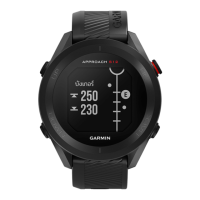
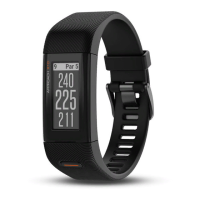
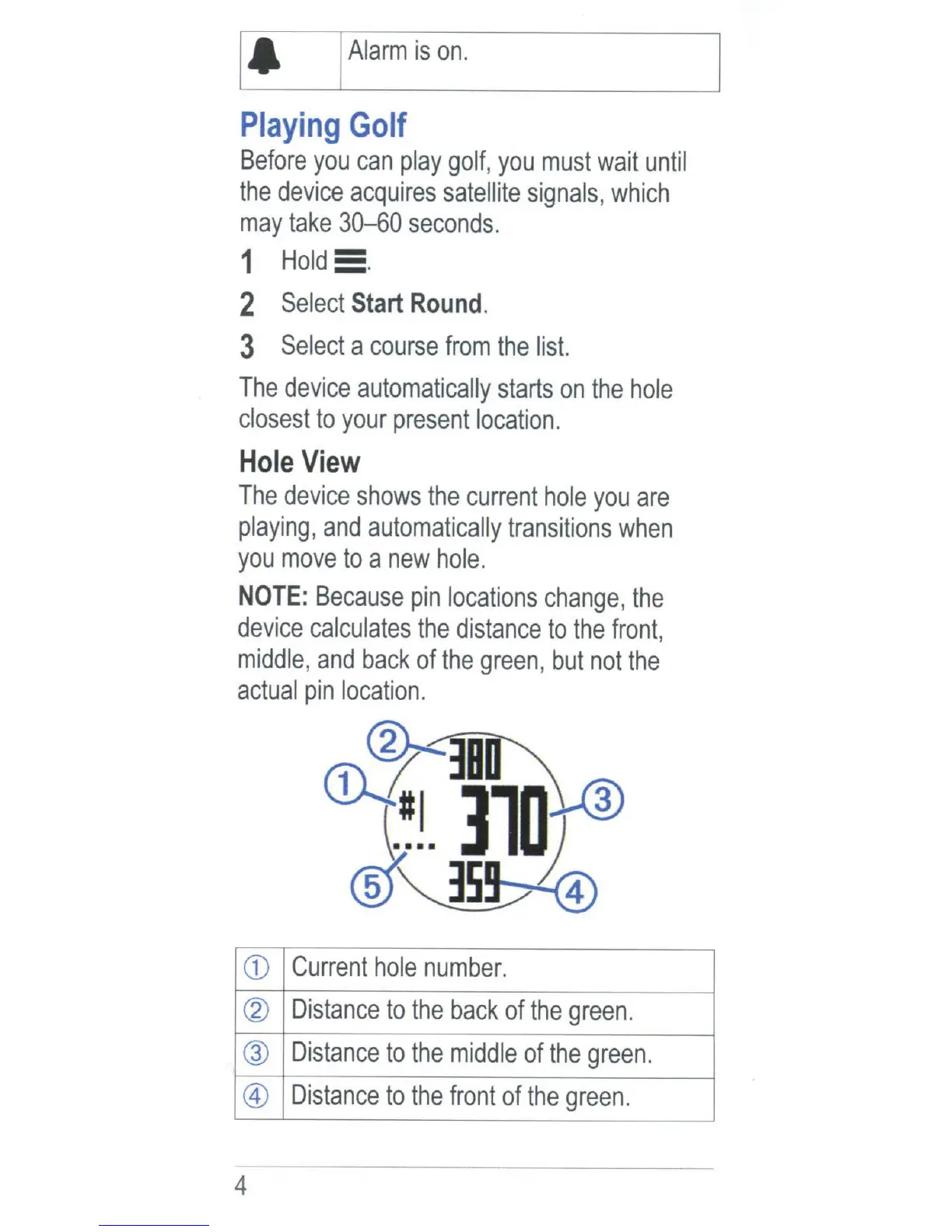
The
device
shows
the
current
ho
le
you
are
playing,
and
automatically
transitions
when
you
move
to
a
new
hole.
NOTE:
Because
pin
locations
change
,
the
device
calculates
the
distance
to
the
front
,
mi
ddle
,
and
back
of
the
green
,
but
not
the
actual
pin
location.
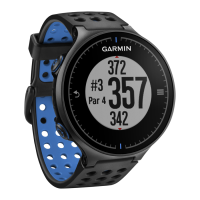
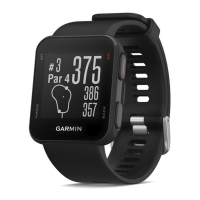
CD
Current
hole
number.
@
Distance
to
the
back
of
the
green.
@
Distance
to
the
middle
of
the
green.
®
Distance
to
the
front
of
the
green.
4

Other manuals for Garmin Approach S2

Related product manuals