EasyManua.ls Logo

Garmin Approach S2 - Measuring a Shot; Layup and Dogleg Distances; Keeping Score

Garmin Approach S2
20 pages
Print Icon
To Next Page IconTo Next Page
To Previous Page IconTo Previous Page
Loading...
I@ I
Par
for
the
hole.
Measuring
a
Shot
1
Hold
!!
.
2
Select
Measure
Shot.
3
Walk
to
your
ball.
The
distance
automatically
resets
when
you
move
to
the
next
hole.
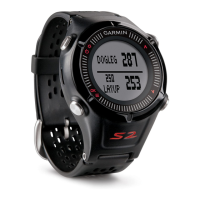
Vi
ewing
Layup
and
Dogleg
Distances
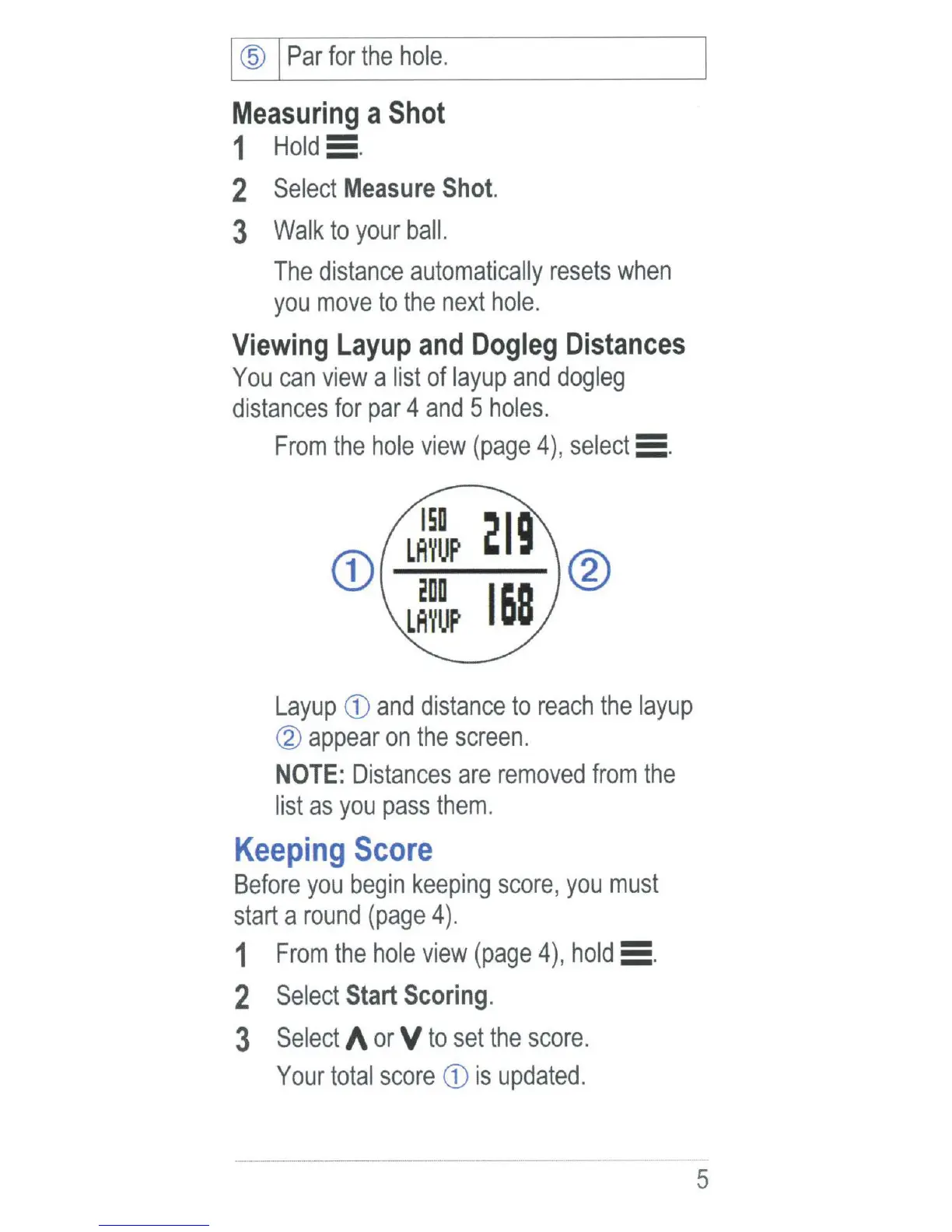
You
can
view
a
list
of
layup
and
dogleg
distances
for
par
4
and
5
holes.
From
the
hole
view
(page
4),
select
:=
.
CD
150
LAYUP
200
LAYUP
®
Layup
CD
and
distance
to
reach
the
layup
CV
appear
on
the
screen.
NOTE:
Distances
are
removed
from
the
list
as
you
pass
them
.
Keeping
Score
Before
you
begin
keeping
score
,
you
must
start
a
round
(page
4
).
1
From
the
hole
view
(page
4),
hold
5 .
2
Select
Start
Scoring.
3
Select
A
or
V
to
set
the
score.
Your
total
score
CD
is
updated.
5