EasyManua.ls Logo

Garmin Approach S2 - Setting the Alarm; Viewing Device Information; Appendix; Device Care

Garmin Approach S2
20 pages
Print Icon
To Next Page IconTo Next Page
To Previous Page IconTo Previous Page
Loading...
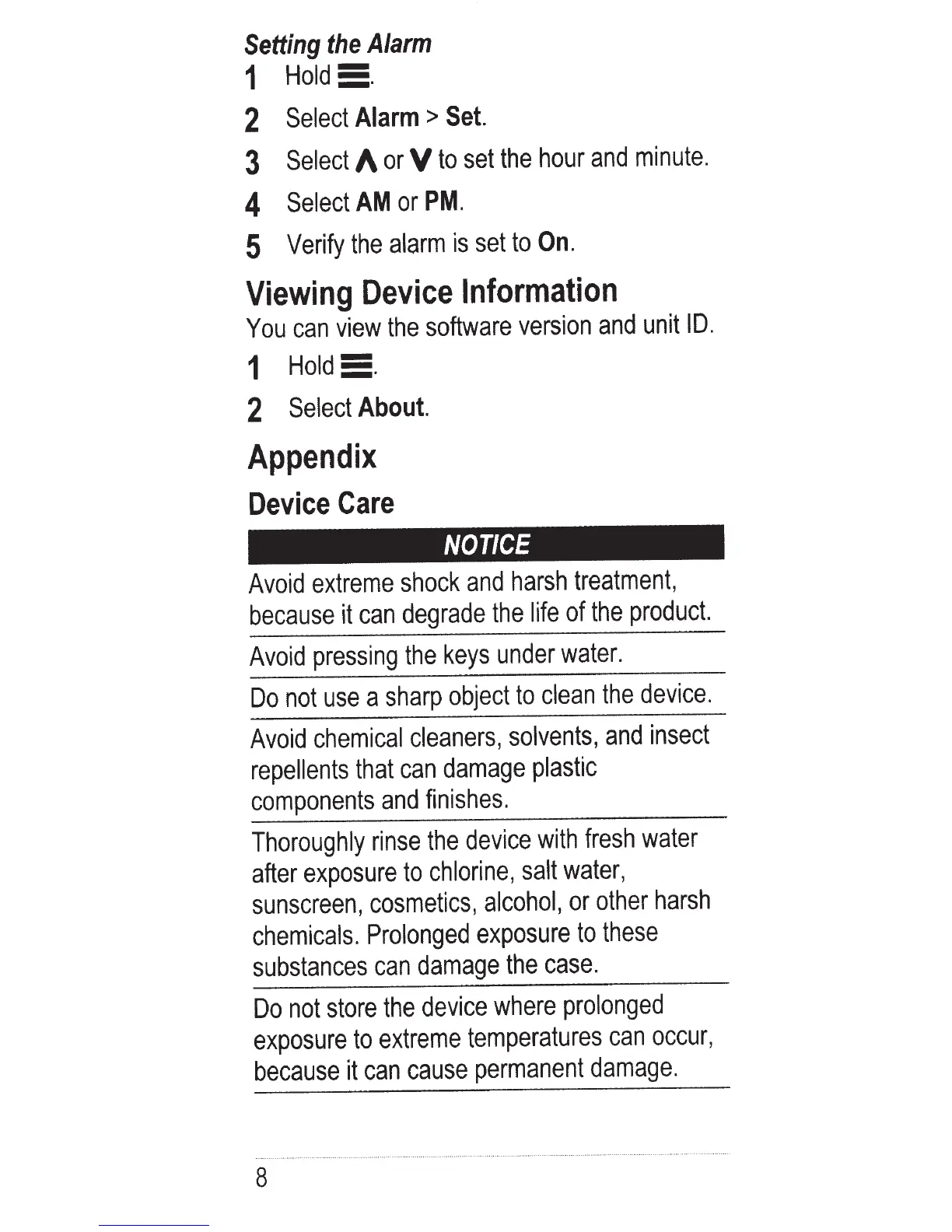
Setting
the
Alarm
1
Hold5.
2
Select
Alarm
>
Set.
3
Select
A
or
V
to
set
the
hour
and
minute.
4
Select
AM
or
PM.
5
Verify
the
alarm
is
set
to
On.
Viewing
Device
Information
You
can
view
the
software
version
and
unit
I
D.
'
1
Hold5.
2
Select
About.
Appendix
Device
Care
NOTICE
Avoid
extreme
shock
and
harsh
treatment,
because
it
can
degrade
the
life
of
the
product.
Avoid
pressing
the
keys
under
water.
Do
not
use
a
sharp
object
to
clean
the
device.
Avoid
chemical
cleaners,
solvents,
and
insect
repellents
that
can
damage
plastic
components
and
finishes.
Thoroughly
rinse
the
device
with
fresh
water
after
exposure
to
chlorine,
salt
water,
sunscreen,
cosmetics,
alcohol,
or
other
harsh
chemicals.
Prolonged
exposure
to
these
substances
can
damage
the
case.
Do
not
store
the
device
where
prolonged
exposure
to
extreme
temperatures
can
occur,
because
it
can
cause
permanent
damage.
8