EasyManua.ls Logo

Garmin Edge Remote - Page 3

Garmin Edge Remote
14 pages
Print Icon
To Next Page IconTo Next Page
To Previous Page IconTo Previous Page
Loading...
Customizing
the
Action
Key
1
From
the
Edge
home
screen
,
select*>
Sensors
>
Edge
Remote
>
Sensor
Details.
2
Select
Single
Press
or
Press
and
Hold
.
3
Select
a
function
for
the
action
key
.
For
example
,
you
can
set
the
action
key
to
display
the
map
or
turn
on
the
backlight.
Using
the
Mounts
Several
mounts
are
available
for
your
remote
,
either
included
with
the
product
or
as
an
optional
accessory.
The
mounts
allow
you
to
attach
the
remote
to
your
body
,
your
bike
,
or
other
objects
.
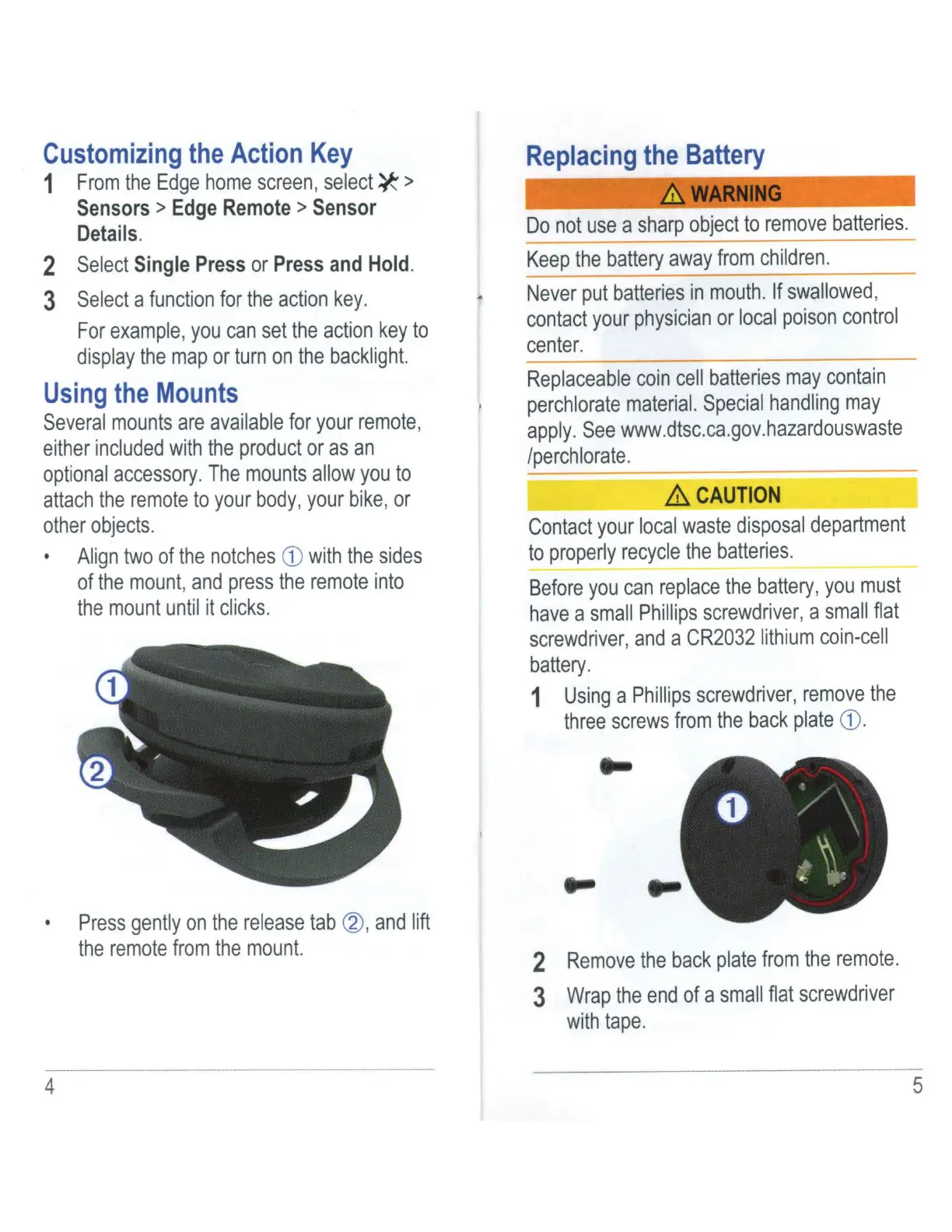
Align
two
of
the
notches
CD
with
the
sides
of
the
mount
,
and
press
the
remote
into
the
mount
until
it
clicks
.
Press
gently
on
the
release
tab
@,
and
lift
the
remote
from
the
mount.
4
..
Replacing
the
Battery
&,.WARNING
Do
not
use
a
sharp
object
to
remove
batteries.
Keep
the
battery
away
from
children.
--
Never
put
batteries
in
mouth
.
If
swallowed
,
contact
your
physician
or
local
poison
control
center
.
Replaceable
coin
cell
batteries
may
contain
perchlorate
material.
Special
handling
may
apply.
See
www.dtsc.ca.gov.hazardouswaste
/perchlorate.
/llCAUTION
Contact
your
local
waste
disposal
department
to
properly
recycle
the
batteries.
Before
you
can
replace
the
battery
,
you
must
have
a
small
Phillips
screwdriver
, a
small
flat
screwdr
i
ver
,
and
a
CR2032
li
thium
co
i
n-cell
battery.
1
Using
a
Phillips
screwdriver,
remove
the
three
screws
from
the
back
plate
CD
.
..
2
Remove
the
back
plate
from
the
remote.
3
Wrap
the
end
of
a
small
flat
screwdriver
with
tape
.
5

Related product manuals