Browsing the Web
64 Garminfone Owner’s Manual
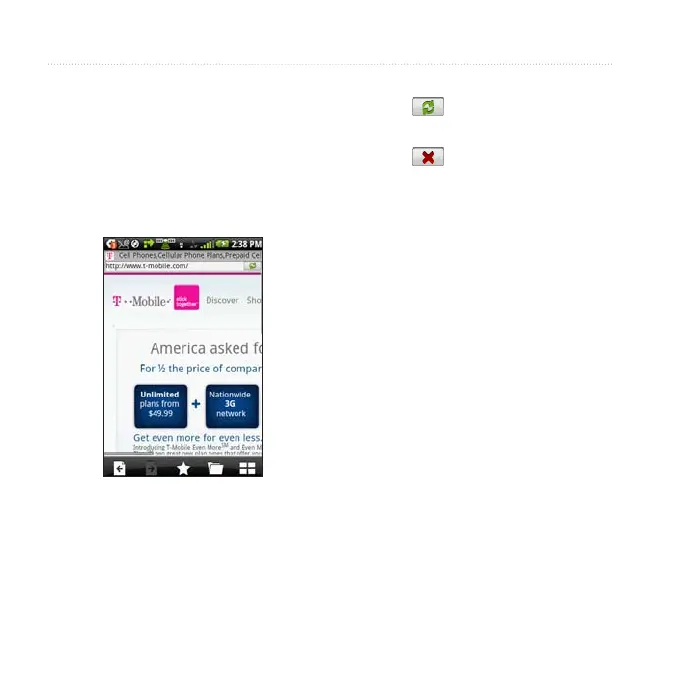
1. From the application tray, touch
.
2. Touch the URL bar.
3. Enter a search term or a URL, and
touch .
• Touch to refresh the current
Web page.
• Touch to stop loading the Web
page.
• Touch and drag the screen to scroll
the Web page.
• Touch two points near the center
of the page, and drag your ngers
apart to zoom in.
• Touch two points near opposite
edges of the page, and drag your
ngers toward the center of the
page to zoom out.
• Touch links, text-entry boxes, and
other interactive items to activate
them.
• Touch and hold interactive items to
view a menu of additional options.


 To Next Page