NRI Grazing Land On-Site Data Collection
(03/23/20011) B-11
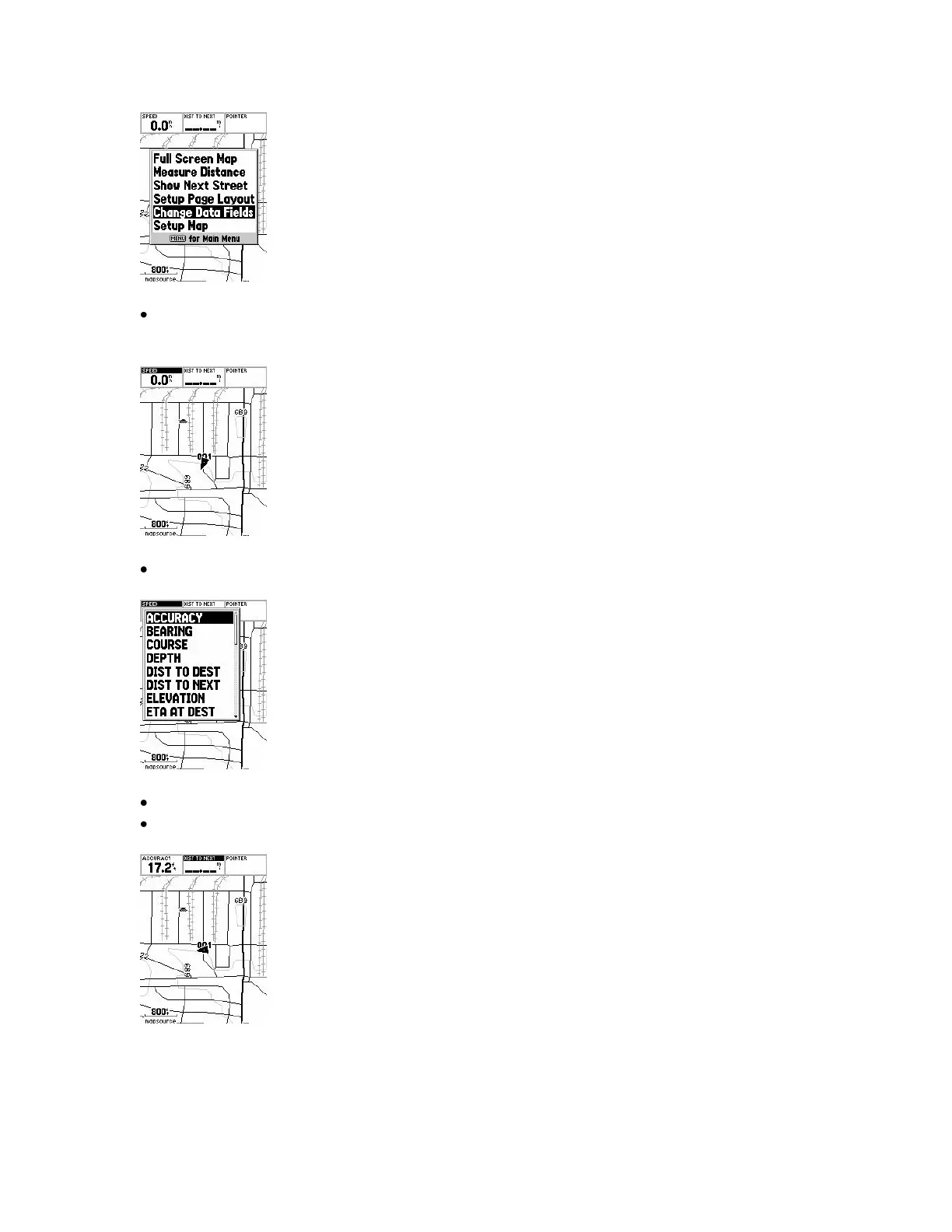
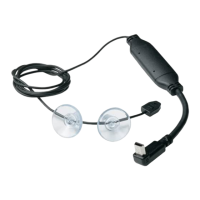
You will see the top left most data field highlighted. Press the ENTER key to change
the type of data displayed in the field.
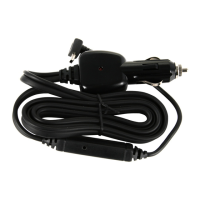
Use the ROCKER key to scroll up/down the choice list that pops up.
When the desired data type is highlighted press the ENTER key.
Use the ROCKER key to scroll to a different data field.
See Manual, pg. 27.


 To Next Page