NRI Grazing Land On-Site Data Collection
(03/23/20011) B-14
° Leg time Leg distance (must be moving)
° Sunrise
° Sunset
° Time to (next point – estimate improves when moving)
° Distance
° Course – direction between the active „from‟ and „to‟ waypoints.
° ETA ( Estimated Time of Arrival – estimated time you will reach your destination
waypoint based on current course and speed)
° Fuel (must be moving)
See Manual Pg. 36
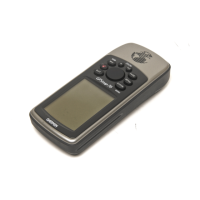
GPS Map 76 Setup
Turning on the Map 76 and Placing in Simulator Mode
Press and hold the POWER key until the first screen appears.
Press the ENTER key until the GPS Info Page appears.
Press the MENU key, and then use the ROCKER key to scroll to “Start Simulator”.
Press the ENTER key to start simulator.
The Status Bar will read “SIMULATOR”.
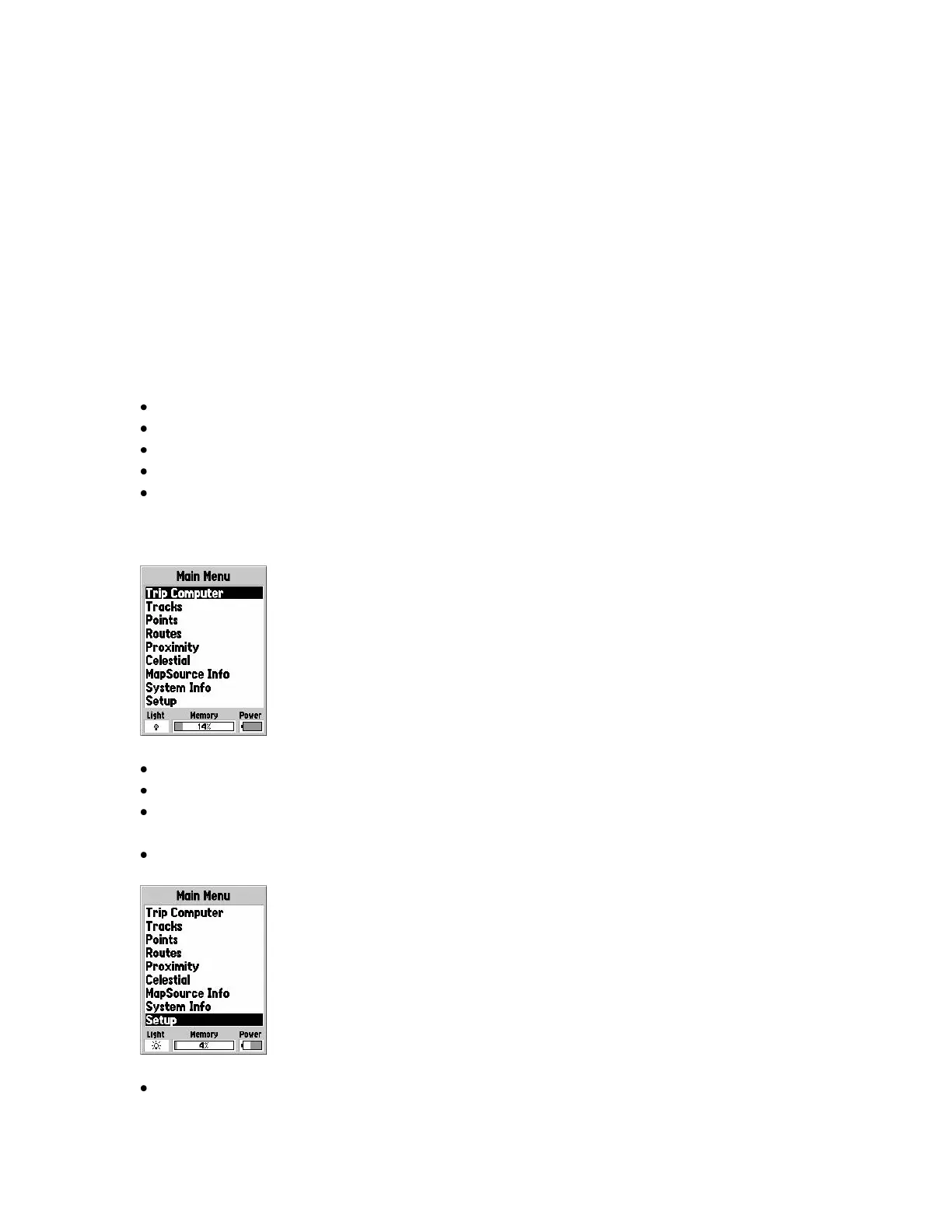
Main Menu
The Main Menu Page contains settings not found on the Main pages.
It can be accessed from any page by pressing the MENU key twice.
Three status fields: Backlight status, Memory status, and Power status are found at
the bottom of the Main Menu page.
The backlight status tells you if the backlight is turned on.
This is important because the backlight is a major source of battery drain.


 To Next Page